Set a tax profile
Updated
Store dated attributes of a customer, a supplier, or a legal entity, and pin a tax code when no rule matched. The invoice and the purchase receipt use that code when they post.
Note
Save stores the row. There is no posting button on Tax profiles or Tax mappings. Tax is written later, when a sales realization becomes Released or a purchase order becomes Received. This page does not file a return and does not build an e-invoice.
How to#
To set a tax profile, open Ribbon → Tax → Dictionaries → Tax profiles.
Press New. Fill Name, Party type, Party, and Effective from. Party type is one of LegalEntity, Customer, or Supplier. Leave Disabled off for a live row. Save.
Open Ribbon → Tax → Dictionaries → Profile attributes. Press New. Fill Profile, Attribute, and Value. Save. One Attribute per profile.
Then open Ribbon → Tax → Dictionaries → Tax mappings.
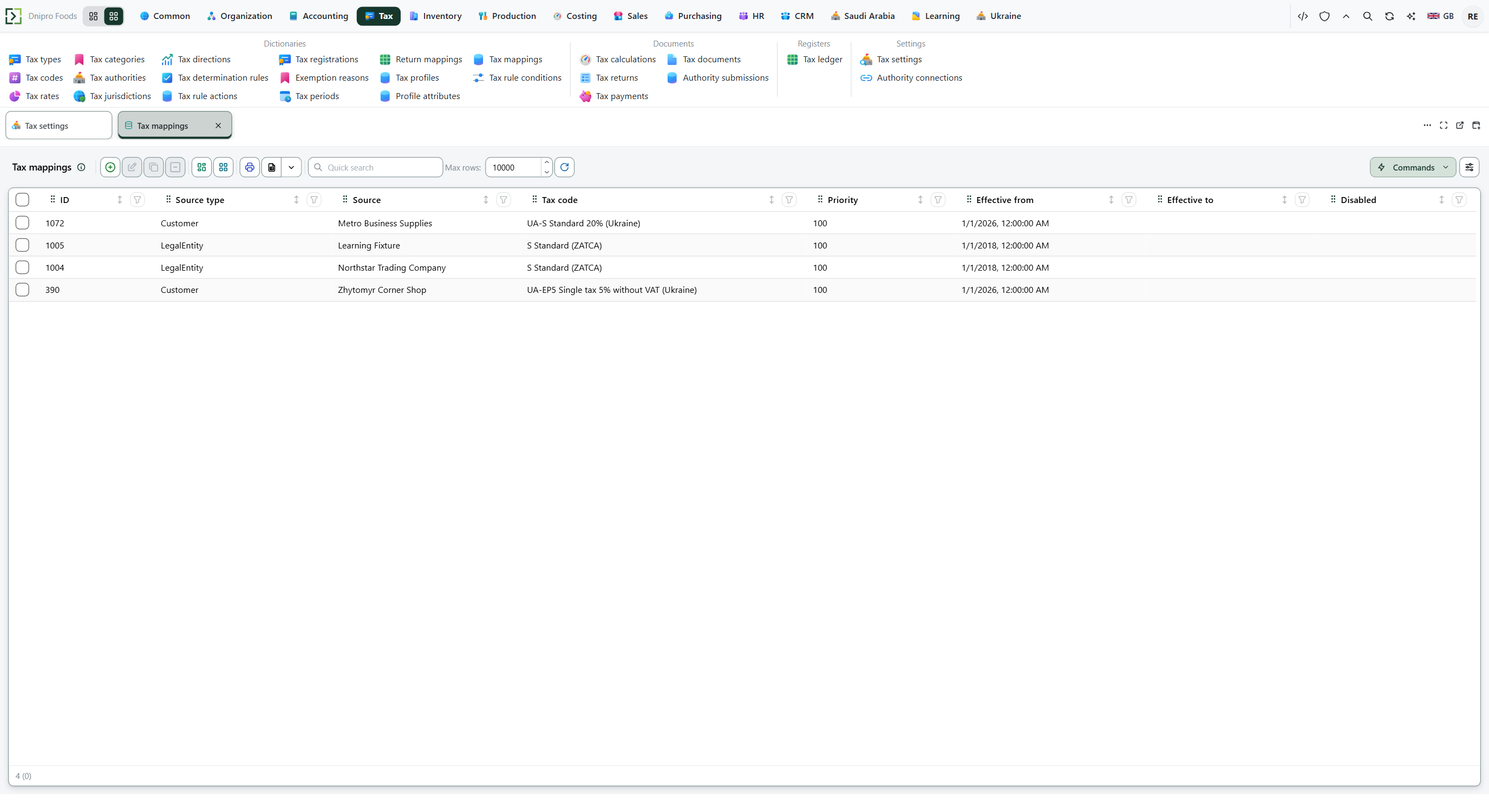 Tax mappings: Customer Metro Business Supplies is UA-S Standard 20% (Ukraine), two legal entities are S Standard (ZATCA), and Customer Zhyttomyr Corner Shop is UA-EP5 Single tax 5% without VAT (Ukraine). Priority is 100. The product is in English.
Press New. Fill Source type, Source, Tax code, Priority, and Effective from. Source type is one of Item, ItemGroup, Customer, Supplier, or LegalEntity. Leave Disabled off. Save.
Post the source document. On a draft sales realization press Issue realization. From Shipped, press Release realization. On a purchase order press Receive order. The invoice writes tax when it becomes Released. The order writes tax when it becomes Received.
Open Ribbon → Tax → Registers → Tax ledger. Press Build.
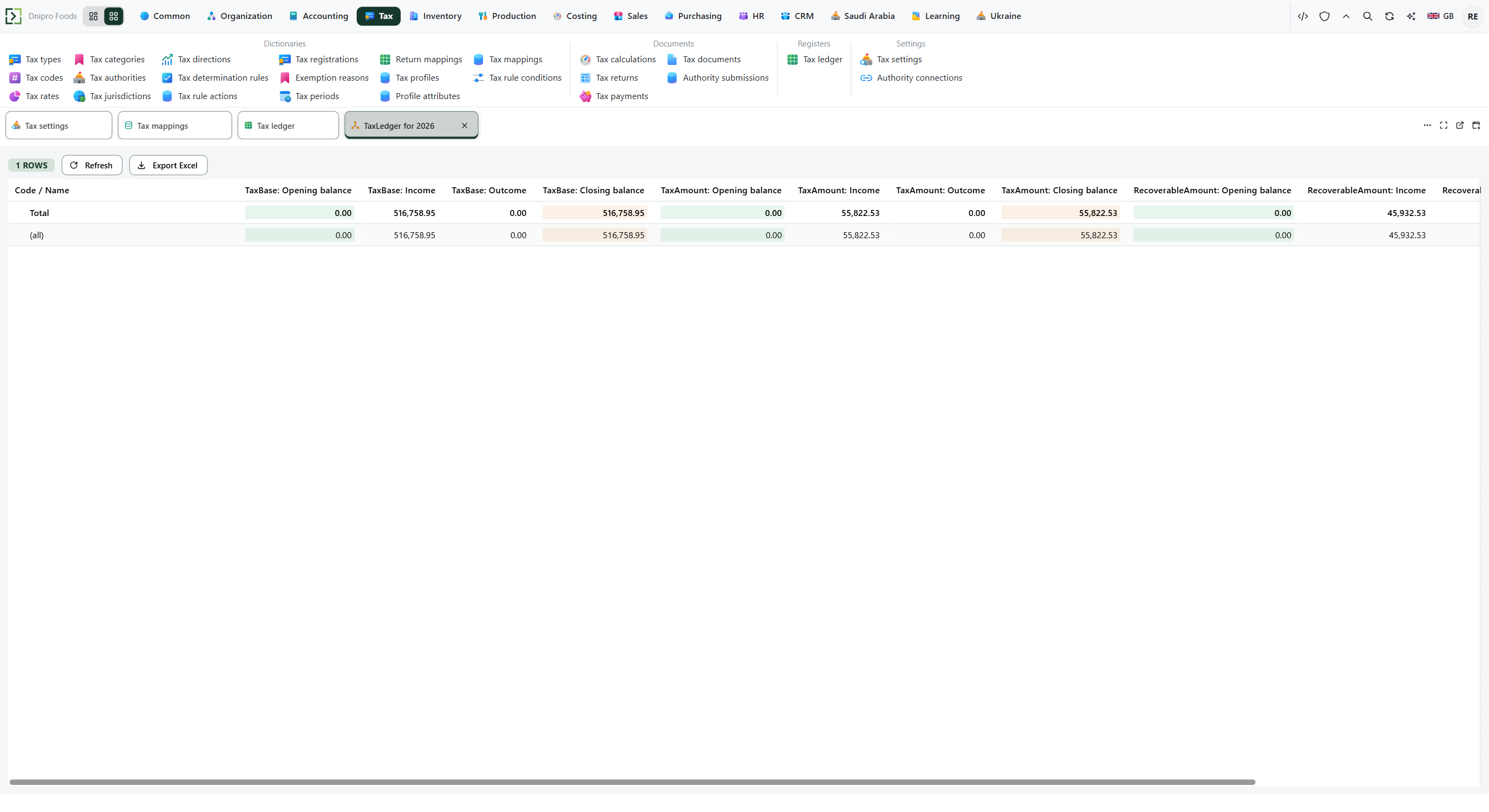 Tax ledger, tab TaxLedger for 2026: one row, (all), TaxBase closing balance 516,758.95, TaxAmount closing balance 55,822.53, RecoverableAmount closing balance 45,932.53. The product is in English.
The state on the sales realization and on the purchase order changes when you press the command. Save on the tax cards stores the setup. It does not post the invoice.
Example
You released a realization of 10 pieces at 10 each. Goods: 10 × 10 = 100.
With no mapping, the default rate 0.20 is 20%: tax is 100 × 0.20 = 20. A legal-entity mapping at 0.10 is 10%: tax is 100 × 0.10 = 10.
- Attribute Exempt
- Value yes
Tax is 0 when that attribute is on the buyer's profile.
Tax on 100 of goods No mapping, default 0.20 20 Legal-entity mapping 0.10 10 Buyer Exempt = yes 0
Tip
Determination reads a matching rule first, then a mapping, then the seller country's one standard code, then Default tax code on Ribbon → Tax → Settings → Tax settings. Leave Default tax code empty when a document with no rule and no mapping should post with no tax. Rate is a fraction: 0.20 is 20%. Prices include tax is on the same card; the amounts on this page were posted with it off. An item mapping still wins over a customer mapping. Priority only breaks a tie inside one source type. Ukrainian VAT on the first event is Switch on Ukrainian VAT.
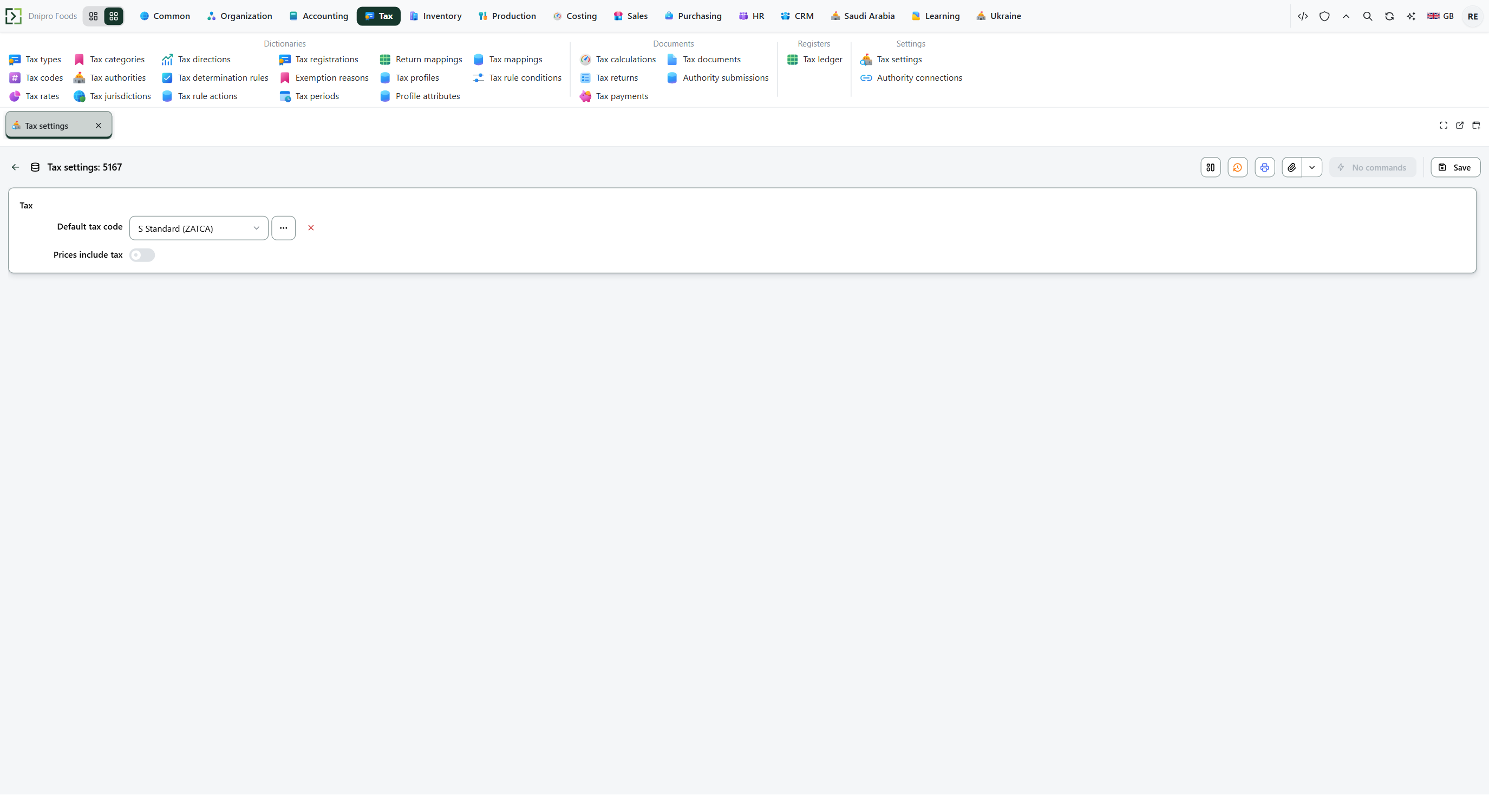 Tax settings: Default tax code is S Standard (ZATCA), Prices include tax is off, and Save is on the card. The product is in English.
If the command refuses#
| What you see | What to do |
|---|---|
| The save says the party type must be LegalEntity, Customer, or Supplier | Set Party type to one of those three words. |
| The save asks for the profile name | Fill Name. |
| The save asks for the profile party | Fill Party. |
| The save says the profile window is reversed: the start is after the end | Put Effective to on or after Effective from, or clear Effective to. |
| The save says a profile already covers this period | That party already has a live profile on those dates. Shorten the window, or turn Disabled on for the other row. |
| The save asks for the attribute profile | Fill Profile. |
| The save asks for the attribute code | Fill Attribute. |
| The save asks for the attribute value | Fill Value. |
| The save says that attribute is already on this profile | That Attribute is already on the profile. Edit the existing row. |
| The save says the source type must be Item, ItemGroup, Customer, Supplier, or LegalEntity | Set Source type to one of those words. |
| The save asks for the mapping source | Fill Source. |
| The save asks for the mapping tax code | Fill Tax code. |
| The save says the mapping window is reversed: the start is after the end | Put Effective to on or after Effective from, or clear Effective to. |
| The save says a mapping already covers this period for this source | That source already has a live mapping on those dates. |
| The default code was used | No rule matched and no live mapping matched, or a disabled legal-entity mapping kept the stand default. Two standard codes in the seller's country do the same. |
| The mapping was ignored | A rule matched. The mapping applies when no rule matched. |
| You expected Ukrainian VAT on the first event | Open Switch on Ukrainian VAT. This page chooses the code. |
See also
Same topic for other readers: Developer