Issue a quotation
Updated
Use a quotation when the customer has not committed yet. Issue quotation marks the offer Issued. Create sales order adds a draft sales order and marks the quotation Converted.
Note
Issue quotation and Create sales order write no stock, debt, revenue, or tax. The new order stays Draft. Nothing is reserved until that order is approved and its sales realization is Released. The Quotation form is not sent for you.
How to#
To issue a quotation, open Ribbon → CRM → Documents → Sales quotations.
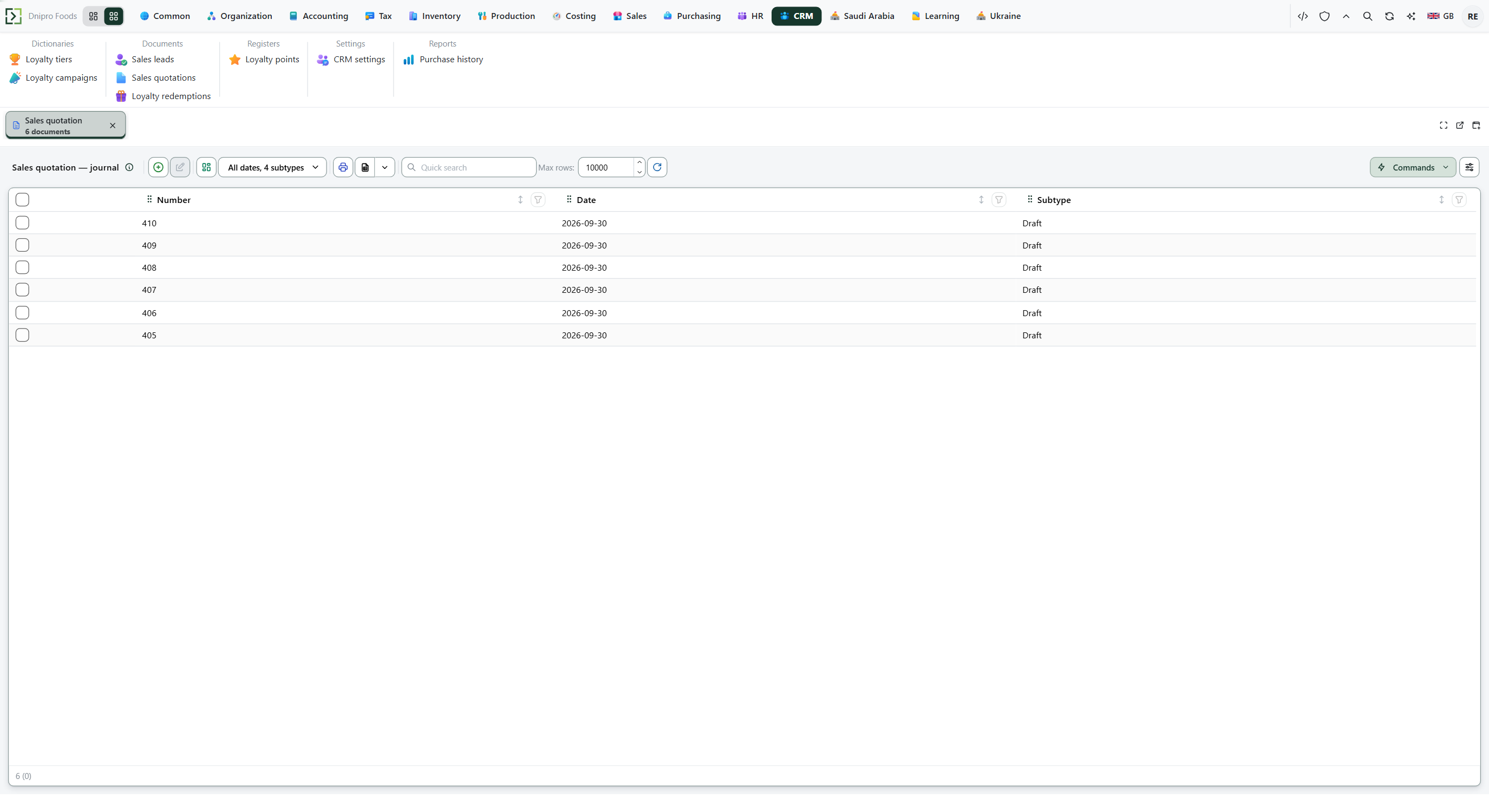 Sales quotation list: existing quotations are visible before you open a card. The product is in English.
Press Create. Pick Customer, fill Contract, Ship-from location, Delivery date, and Lines, Save. Then press Issue quotation. When the customer agrees, press Create sales order.
Picking Customer fills Payment term, Agent, and Contact. When that customer has one outlet, the card also fills Outlet, Contract, and Delivery term. Picking another customer clears the outlet, contract, and contact of the first.
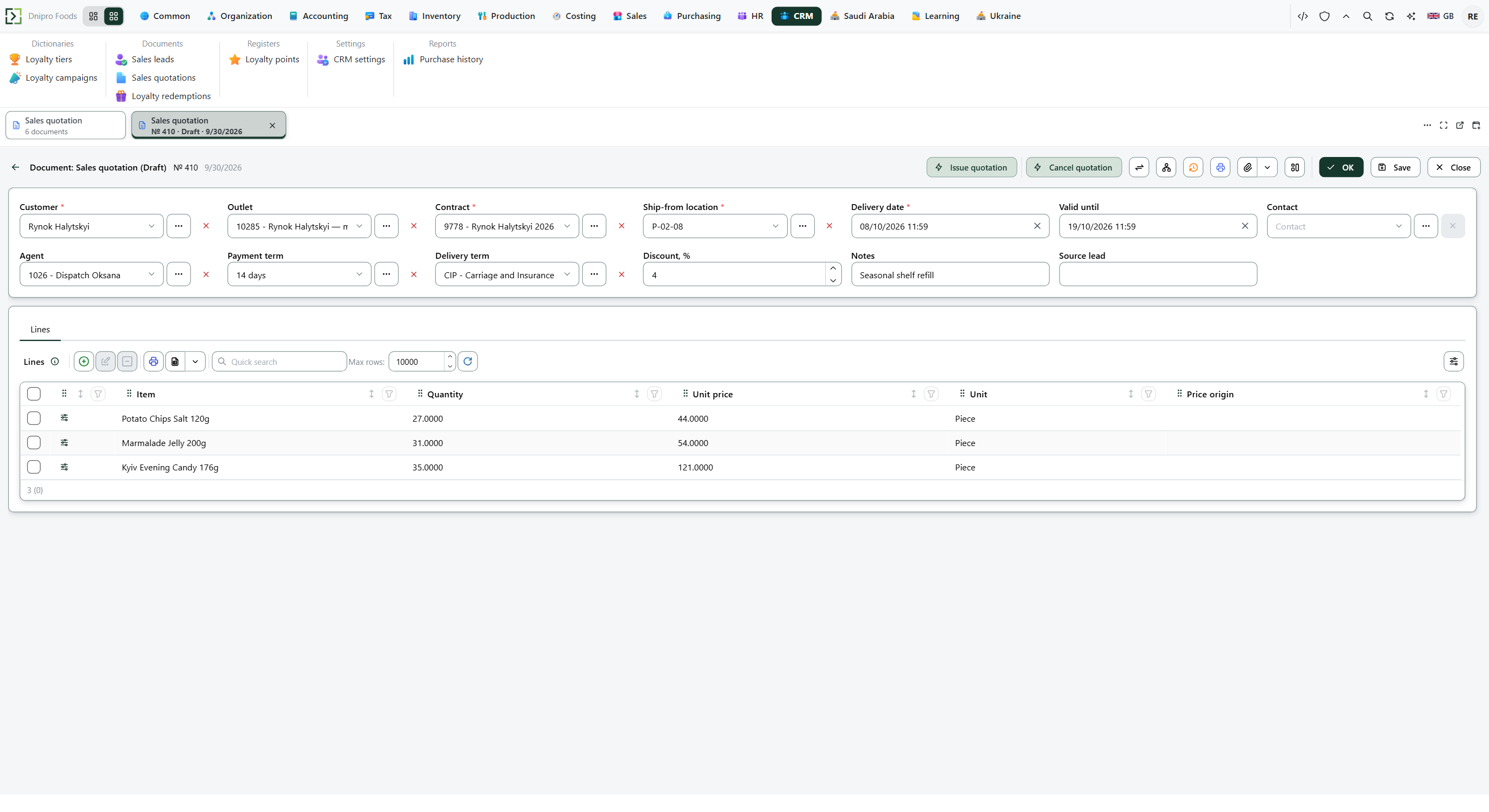 Filled sales quotation: customer, contract, ship-from location, and priced lines. The product is in English.
The line Unit price is filled from the contract and the price list, the same rules as a sales order. A price you type is kept. Create sales order copies that price onto the draft order, so the order does not replace it. A second press of Create sales order opens that same order.
The Quotation form prints the customer, the contract, Valid until, the lines (item, quantity, unit, price, and amount), and the total after Discount, %. An empty Valid until is left blank. The sheet has no tax and no stock.
Cancel quotation closes Draft or Issued and asks you to confirm. It is not on a Converted quotation. The order is a separate document.
The state on the card does not move the quotation. Only the command buttons do. Until you press Issue quotation, the quotation stays Draft. Issued, Converted, and Cancelled are read-only.
A lead can create this quotation as a draft. The quotation stores that lead in Source lead. Issuing the quotation does not approve an order.
Example
- Customer payment term Net 30
- Outlet contract Net 14 and DAP
The card fills Payment term Net 14 and Delivery term DAP.
A line of 3 pieces at price 12.50: Create sales order copies Unit price 12.50 onto the draft order. The order does not replace that price.
A line of 10 pieces at price 100, header Discount, % 10: print total is 10 × 100 − 10% = 900.
Issuing five pieces does not change stock.
On the quotation After Create sales order Typed Unit price 12.50 12.50 Print total (10 pieces at 100, 10% off) 900 900 on the order Stock unchanged unchanged
Tip
Discount, % empty means no header discount. Valid until empty does not expire. A date before today blocks Create sales order, and the quotation stays Issued. Nothing reminds you when that date passes. Create sales order is not on the card while the quotation is still a draft. Confirm order on submit and Allow backorder live on Sales → Settings → Sales settings and apply after this document has become an order.
If the command refuses#
| What you see | What to do |
|---|---|
| The command says the quotation is empty | Add a line. |
| The command says the quantity must be greater than zero | Enter a positive Quantity. |
| The command says the customer, contract, ship-from location, or delivery date is missing | Fill Customer, Contract, Ship-from location, and Delivery date. |
| The command says the contract is missing or invalid | Pick a Contract of this customer and outlet that is active on the delivery date. |
| The command says the quotation has expired | Set Valid until to today or later, or clear it. The quotation stays Issued. |
| Create sales order is not on the card | The quotation is not Issued. Press Issue quotation. |
See also
Same topic for other readers: Developer