Create a legal entity
Updated
Create a legal entity when you need the company that sells and reports. A sales contract may name one; it may also leave Selling legal entity empty.
Note
Save posts no debt, tax, or stock. The company on a contract is optional: empty Selling legal entity still saves — Create a sales contract. The full path is Customer onboarding.
How to#
To create a legal entity, open Ribbon → Organization → Dictionaries → Legal entities.
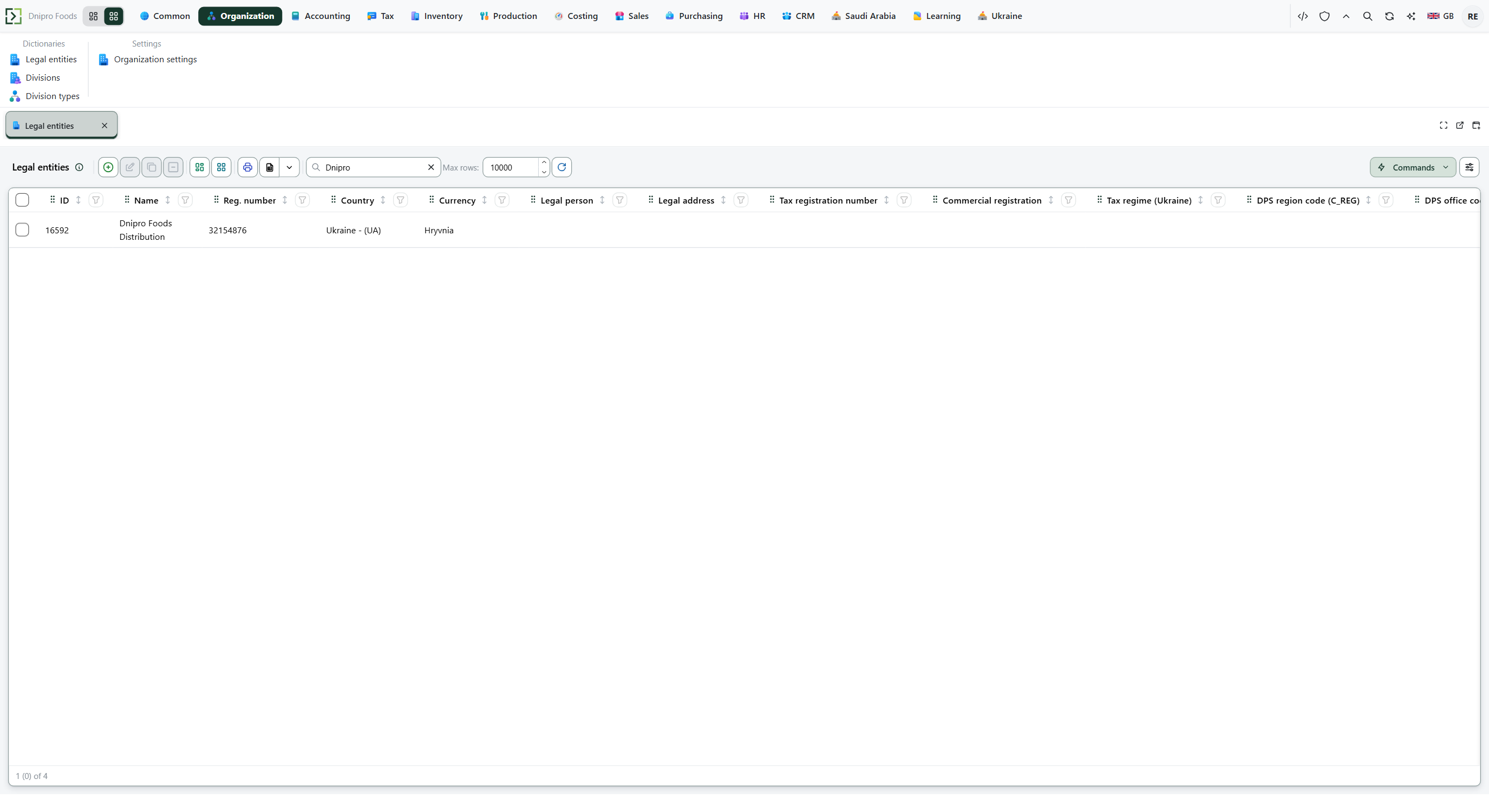 Legal entity list: the search shows Dnipro Foods Distribution. The product is in English.
Press New. Fill Name, Reg. number, Country, and Currency. Save. The company is in the list, and ID is issued and read-only.
Reg. number is unique. Currency is already filled when Default currency is set under Ribbon → Common → Settings → Common settings. Country stays empty until you pick it.
Legal address and Tax registration number can wait.
A country package can add fields on this card. When the Ukraine package is installed, Tax regime (Ukraine) appears; its values are in Ukrainian VAT.
Then a sales contract can pick this company in Selling legal entity. Empty Default legal entity in Organization settings leaves that field empty on a new contract, and the save still succeeds.
Example
- Name Kyiv Trading LLC
- Reg. number a new number
- Country Ukraine
- Currency already UAH from Default currency
Save. The list shows Kyiv Trading LLC. A second card with the same Reg. number is refused. A contract can still leave Selling legal entity empty.
Tip
Empty Default currency leaves Currency empty on a new card, and Save is refused until you pick one. How that default is set is in Customer onboarding.
If the command refuses#
| What you see | What to do |
|---|---|
| The save says to fill Name | Fill Name. |
| The save says to fill Reg. number | Fill Reg. number. |
| The save says to pick Country | Pick Country. |
| The save says to pick Currency | Pick Currency, or set Default currency under Ribbon → Common → Settings → Common settings. |
| The save lists Name, Reg. number, Country, and Currency as required | Fill all four. |
| The save says this Reg. number already exists | Reg. number is unique. Open that company, or pick another Reg. number. |
| The save says Country and Currency are required | Pick Country and Currency. |
See also