Pay a vendor
Updated
Pay a supplier from a cash desk or a bank account. The purchase order does not change.
Note
This document does not change the purchase order. The order stays Received, and its stock, input tax, and receipt stay posted. A payment is a separate document. Fill Cash desk or Bank account, not both.
How to#
To pay a vendor, open Ribbon → Purchasing → Documents → Vendor payments.
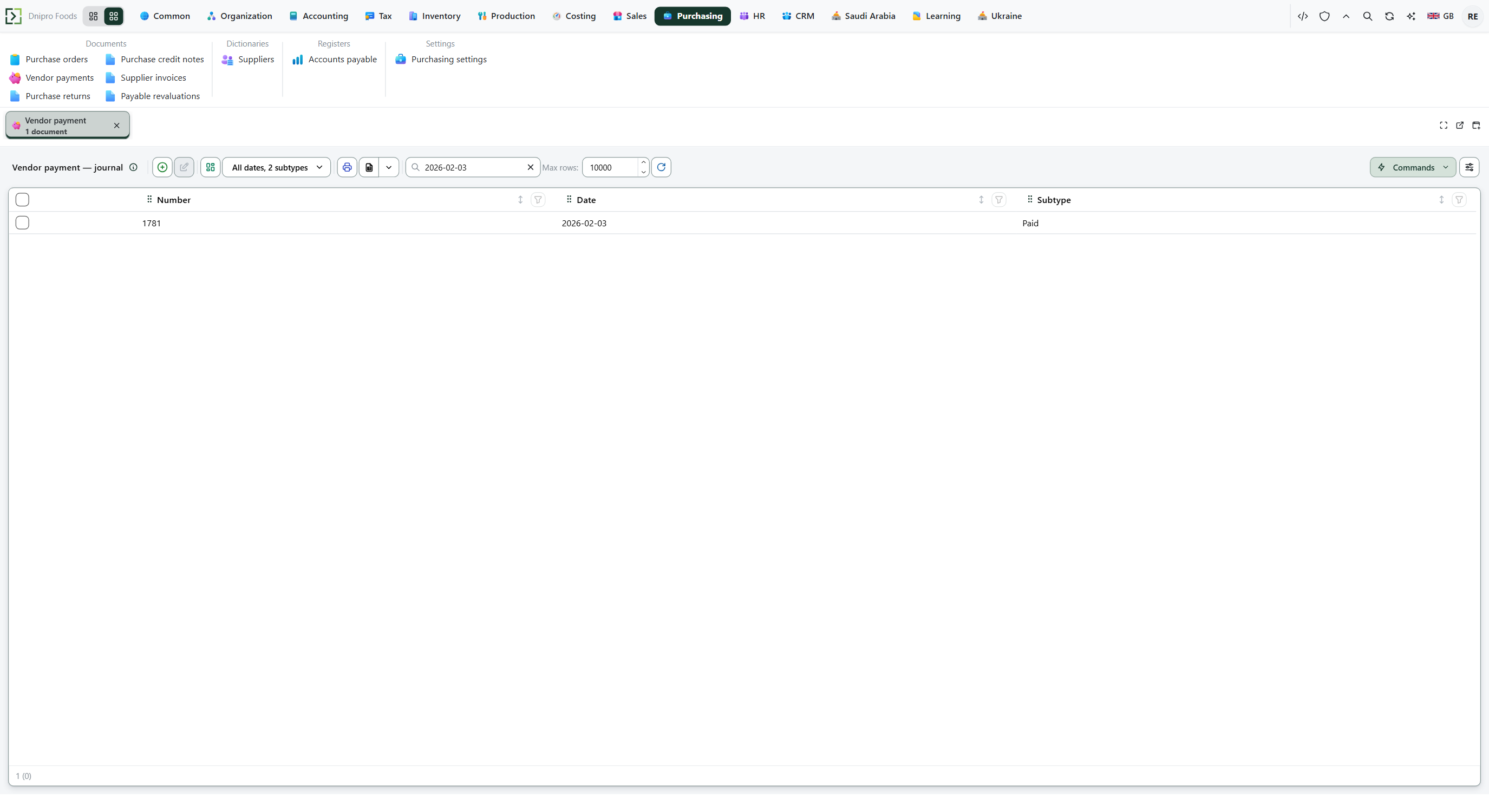 Vendor payment list: each payment is its own document, separate from the purchase order. The product is in English.
Press New. The card opens in Draft. Fill Legal entity when the payment should write the ledger. Fill Cash desk or Bank account, not both.
Add a line: Supplier, Amount, and Supplier contract. Use the contract of the receipt you want to close. Leave Basis empty for an advance, or set it to the purchase order being settled. Leave Supplier contract empty when Basis is that order and the order already has the contract: save copies it. Exchange rate and Carrying amount are filled on save.
Save. The card receives a Number.
Then press Pay vendor. The state becomes Paid. The purchase order does not change.
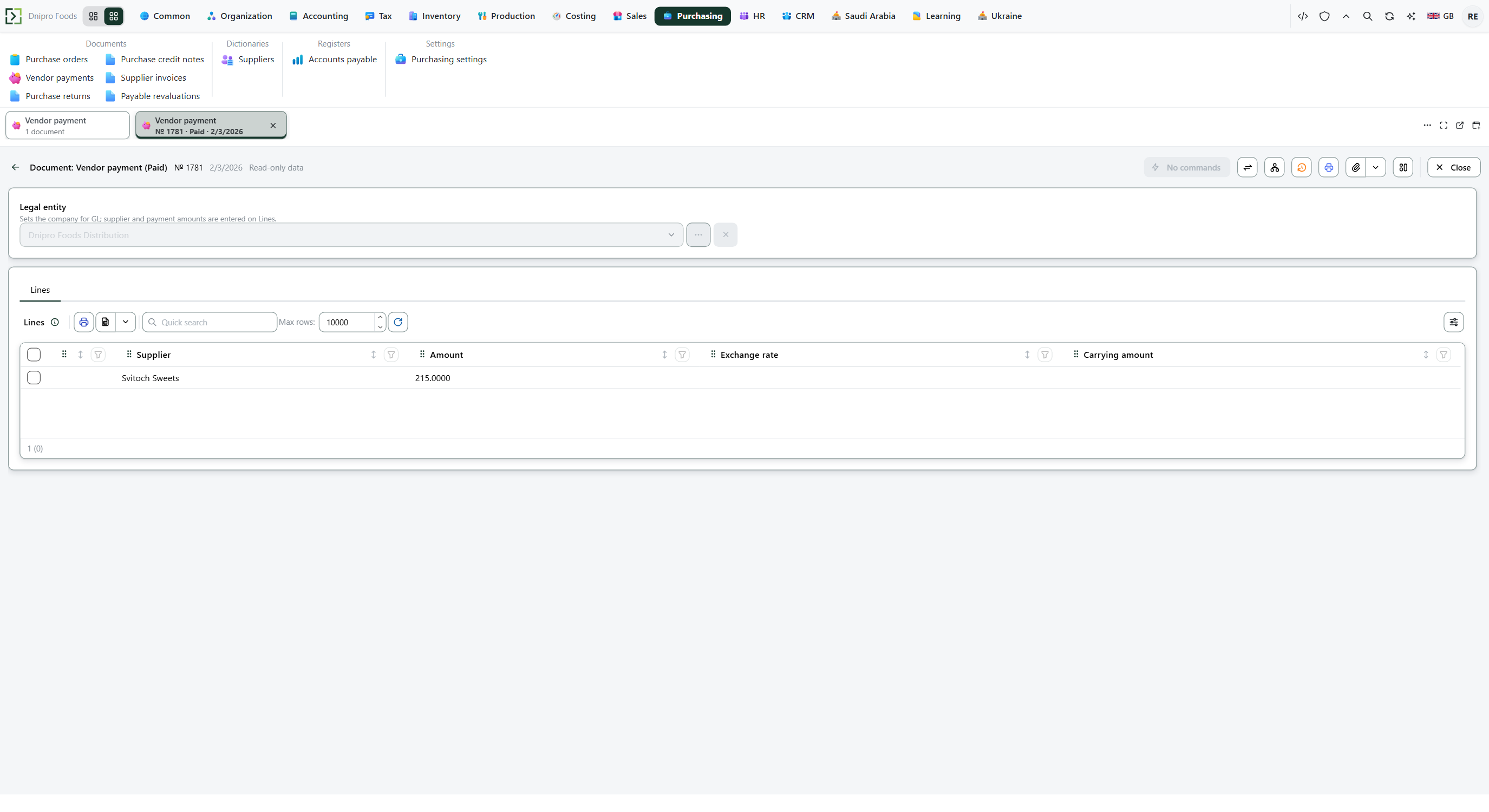 Paid vendor payment: the line shows supplier and amount. The state on screen is Paid. The product is in English.
The state on the card does not post the payment. Only Pay vendor does. Until you press it, the document stays Draft, however many times you save.
A line for another supplier does not touch the first. That other supplier's payable falls by the amount and can go below zero.
Example
You received 10 pieces at 100, no tax. Goods 1,000: you owe 1,000.
Pay 600 against this supplier and this order. You still owe 400.
Pay the remaining 400 against the same supplier and order. You owe 0.
If instead of that second payment you pay 50 with Basis empty, the 50 is an advance. The order still shows 400. You owe 350 in total: 400 on the order, minus the 50 advance.
After the receipt Pay 600 on the order Then pay 400 on the order Pay 50 with empty Basis instead of the 400 You owe on the order 1,000 400 0 400 Advance 0 0 0 −50 You owe in total 1,000 400 0 350
Tip
Leave both Cash desk and Bank account empty and the debt still falls, but no desk balance and no bank balance moves. The desk or the account only pays a supplier billed in that currency. Money the supplier pays back is Receive a supplier refund.
If the command refuses#
| What you see | What to do |
|---|---|
| The command refuses an empty payment | Add a line. |
| The command says the amount must be greater than zero | Enter a positive Amount. |
| The debt you expected is still open | The line uses another Supplier, another Supplier contract, another Legal entity, or another Basis. Use the receipt's supplier, contract, legal entity, and order. |
| The command says to select a cash desk or a bank account, not both | Clear one of them. |
| The command says the desk or the account only pays in its own currency | Use a supplier billed in that currency, or pick another desk or account. |
| There is no exchange rate on the payment date | Enter the supplier currency's rate to the legal entity's currency for that date. |
| The contract belongs to another supplier, is signed by another legal entity, or differs from the order | Use this supplier's contract, this Legal entity, and the same contract as the order. |
| No ledger entry appears | Legal entity is empty, or the accounts are not configured. The debt is still reduced. |
See also