Export the Saudi VAT return
Updated
From a tax return, export the ZATCA box sheet so you can retype the figures in the portal. ZuloOne does not upload the return.
Note
Export for filing does not file and does not sign. Boxes marked
manual— import VAT among them — are the ones you fill in the portal yourself. Paying the tax is a later document — Pay a tax.
How to#
To export, open Ribbon → Tax → Documents → Tax returns. Open the return. If you have no return yet, open Ribbon → Tax → Dictionaries → Tax periods, open the period, and press Build return.
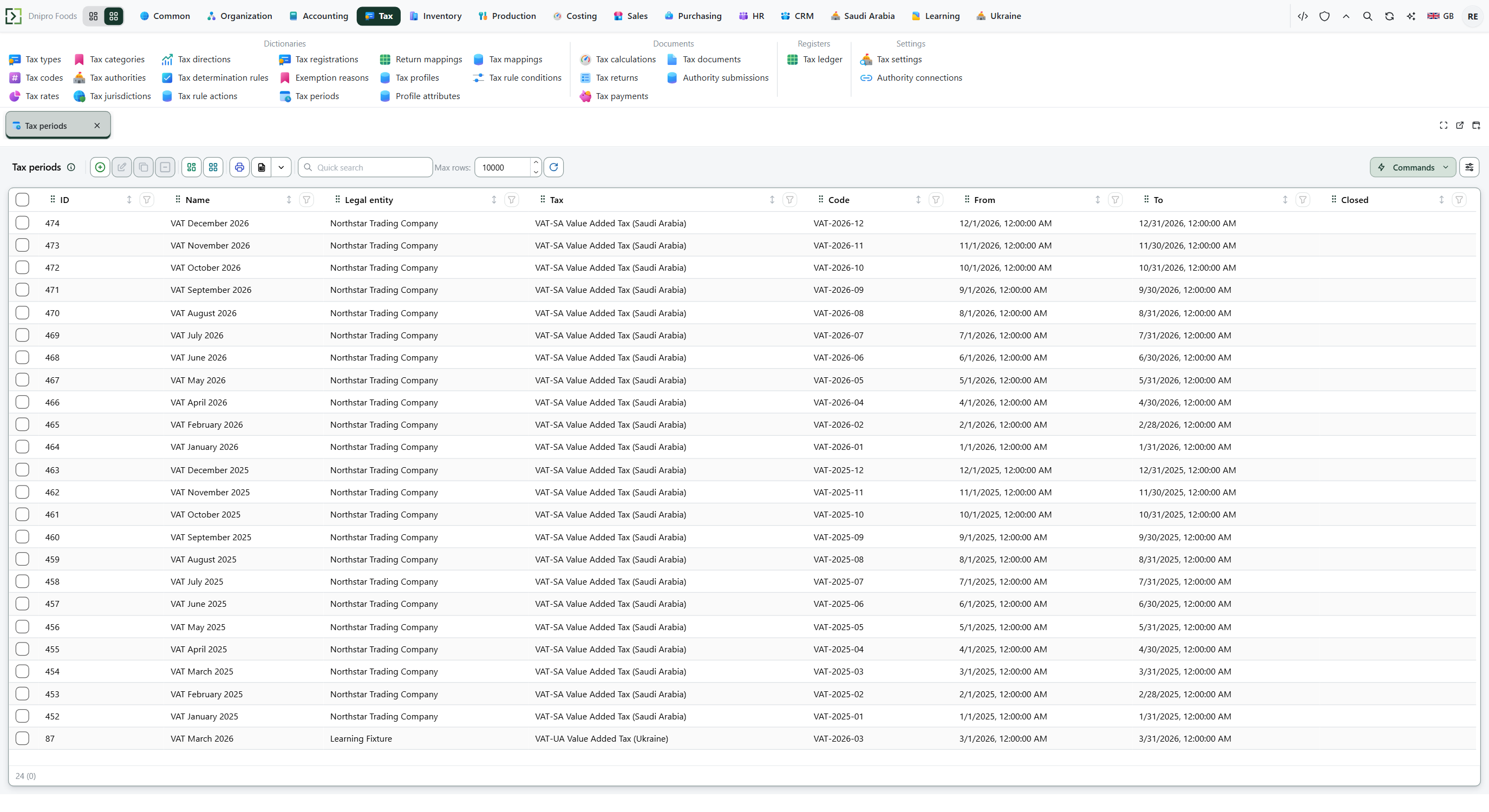 Tax period list: choose the period, then press Build return. The product is in English.
Press Export for filing. The button is on both Draft and Filed. Exporting a filed return does not change it.
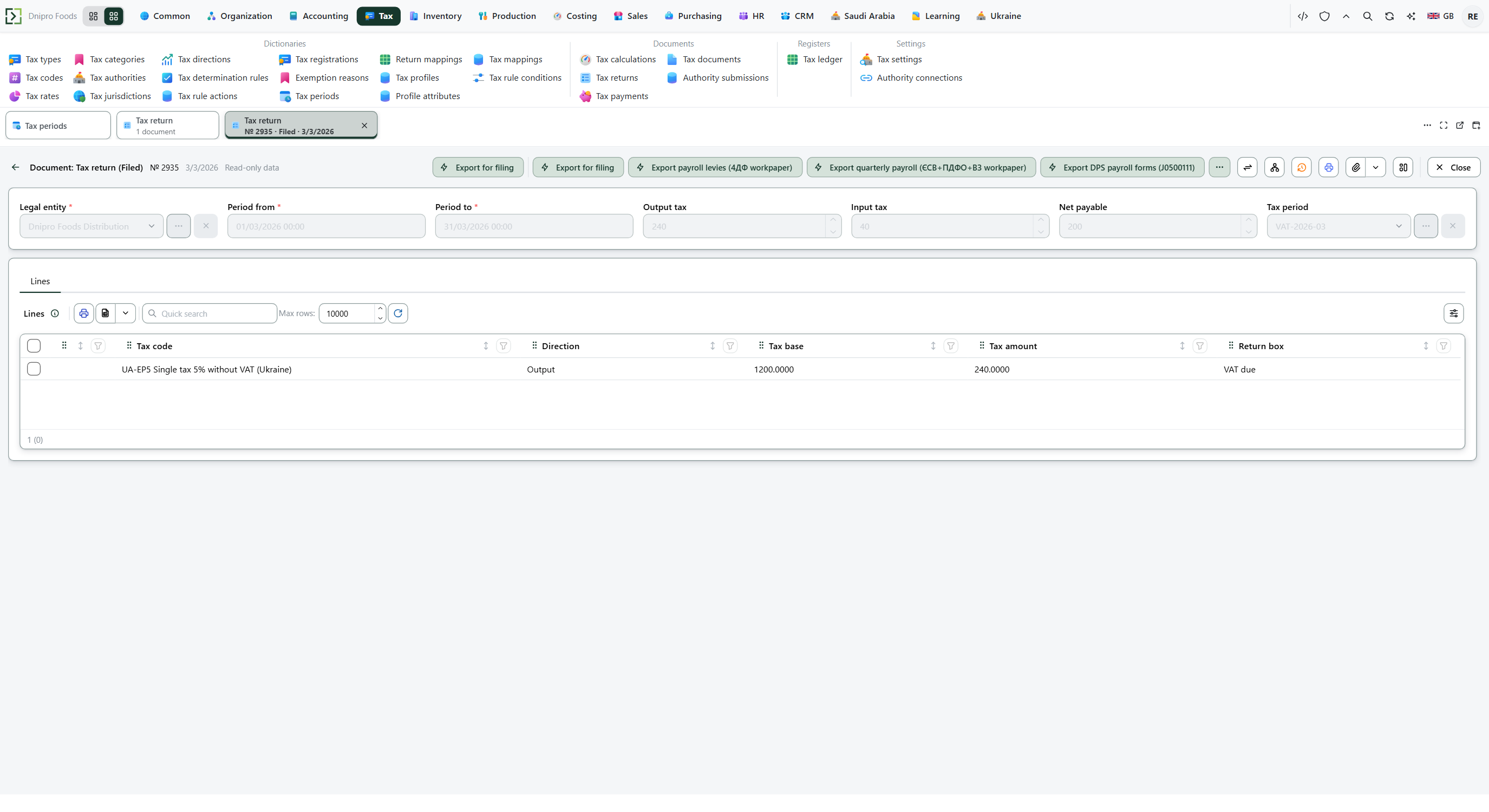 Tax return card: Export for filing writes the sheet without changing the return state. The product is in English.
Open Ribbon → Saudi Arabia → Dictionaries → VAT return export. The figure sheet is there. Open the row and read Payload: every box of the ZATCA form, with a last column of ledger, computed, or manual. Pressing the button again replaces the same sheet rather than making a second one.
Example
You sold standard goods 1,000 plus VAT 150, a zero-rated sale of 500, and bought 400 plus VAT 60. Total sales are 1,000 + 500 = 1,500. Net VAT is 150 − 60 = 90.
After Export for filing:
Box What it is Amount Source 1 Standard sales / VAT 1,000.00 / 150.00 ledger 6 Total sales 1,500.00 computed 13 Net VAT 90.00 computed 8 Customs import VAT empty manual— type in the portal
Tip
Filling the seller VAT number and commercial registration is a different task — Fill the ZATCA legal entity. You do not send the e-invoice from this card either.
If the command refuses#
| What you see | What to do |
|---|---|
Boxes marked manual are empty |
Type those figures in the ZATCA portal. ZuloOne has no source for them. |
| A second sheet for the same quarter | Press Export for filing again: the new row replaces the previous sheet for this legal entity, period, and form. |
| You looked for an upload button | Filing stays in the portal under the taxpayer's own credentials. Copy the sheet. |
See also