Connect Diia
Updated
There is no Diia (Дія) signing, sharing, or sign-in screen. Tax invoices go to M.E.Doc. Bank statements go to PrivatBank.
Note
Sign-in is the normal ZuloOne method for the tenant. A released sales realization creates a tax document for the Unified Register of Tax Invoices (ЄРПН). The operator is M.E.Doc, not Diia.
How to#
To send a tax invoice, do not create a Diia connection card. There is no Diia dictionary in Ribbon → Ukraine → Settings and no Diia channel on a document. Leaving it absent is the correct state.
Do not look for Diia on a sales realization or tax document. The visible result is an envelope under Ribbon → Tax → Documents → Tax documents, not a Diia request.
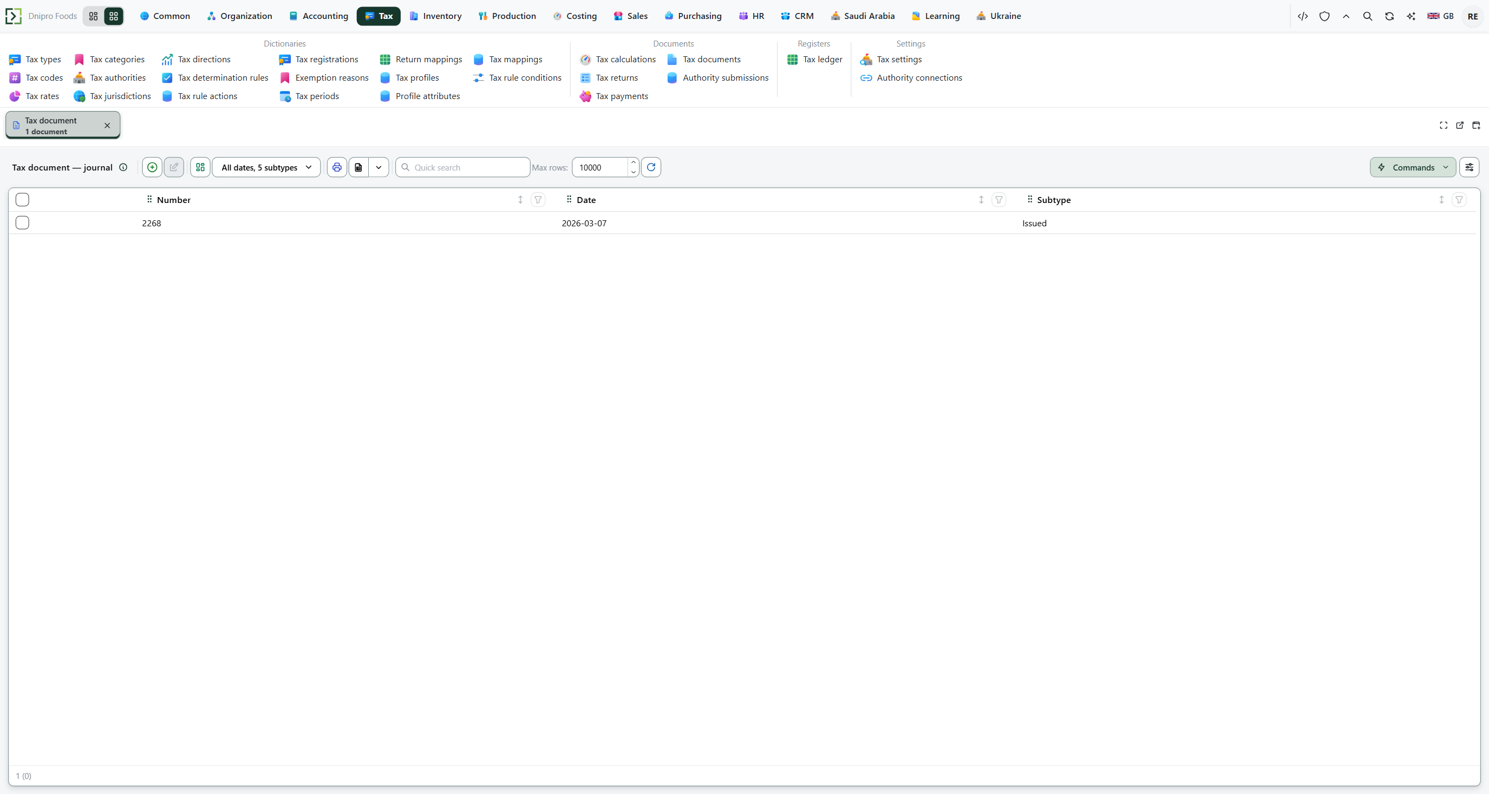 Tax documents list: the envelope after a released sales realization. There is no Diia button. The product is in English.
Do not use Diia as tenant sign-in. The sign-in screen has no Diia.ID provider.
For bank statements, use Ribbon → Ukraine → Settings → Bank connections, then read PrivatBank statement lines.
Example
After you release a sales realization that charges VAT (ПДВ):
- Tax documents shows an envelope
- Ukraine → Settings has no Diia item
- Sales realization no Diia button
Tip
A customer who asks for Diia signing has no button for it. Do not put a fake URL on the tax or bank card. Use M.E.Doc for tax invoices and PrivatBank for statements.
If the command refuses#
| What you see | What to do |
|---|---|
| No Diia item under Ukraine → Settings | Expected: the package has no Diia connector. Use M.E.Doc for tax invoices and PrivatBank for statements. |
| No Diia button on the sales realization | Expected: the tax invoice goes to M.E.Doc after you release the sales realization. Follow Check a tax invoice. |
See also