Choose a costing method
Updated
Choose FIFO or weighted average once for the company. The next stock issue uses that method.
Note
Issues stay FIFO until Costing method is Weighted average. An issue already posted keeps the cost it was given. A transfer does not revalue layers.
How to#
To choose a costing method, open Ribbon → Costing → Settings → Costing settings. The card is one row.
Set Costing method to FIFO or Weighted average. Leave Not set when no code is stored yet and the next issue should stay FIFO. Leave Round costs off unless the issue amount must be rounded to 2 decimal places. Press Save.
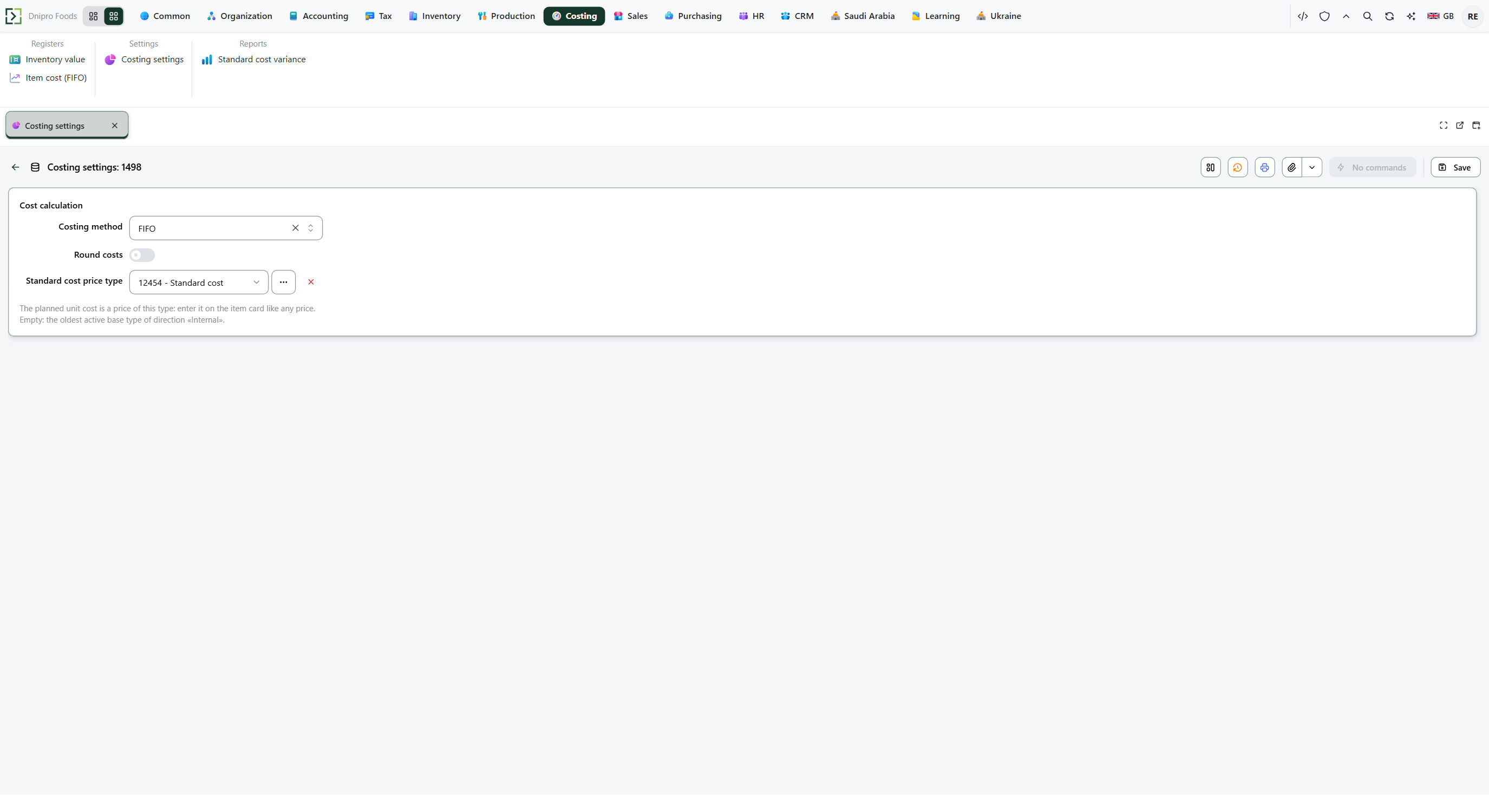 Costing settings: Costing method, Round costs, and Standard cost price type are on the card. The product is in English.
Then open Ribbon → Costing → Registers → Inventory value. Check Item → Items. Press Build.
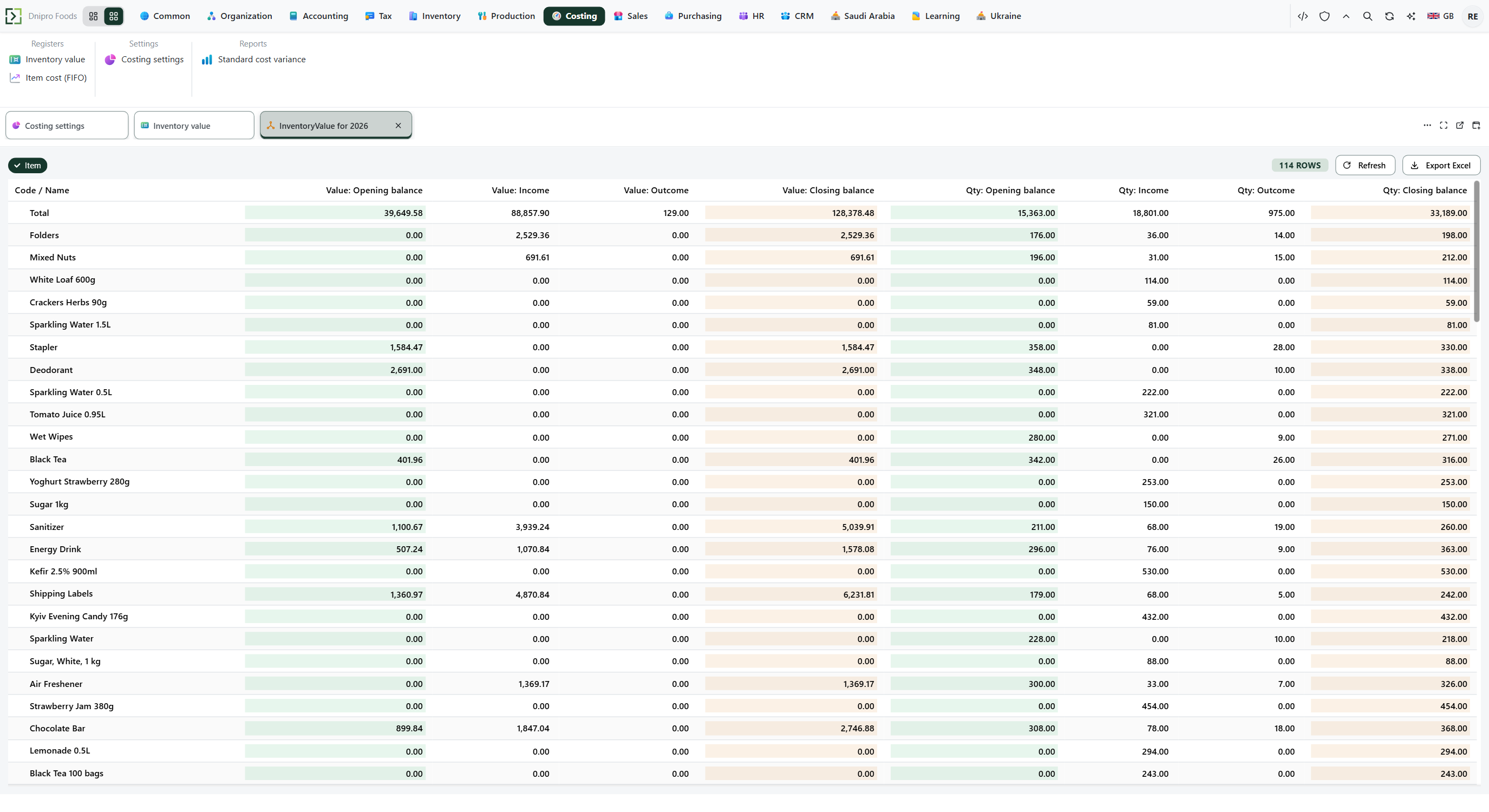 Inventory value grouped by item: closing Qty and closing Value after the issue. The product is in English.
For a receipt of 10 at 7 and 10 at 9, then an issue of 15, FIFO shows closing Qty 5 and closing Value 45. Weighted average shows closing Qty 5 and closing Value 40. The layout Inventory value by item groups by item and has Non-zero balance on, so a row whose closing Qty and closing Value are both zero is left out.
Open Ribbon → Sales → Reports → Gross margin. Check Item → Items. Press Build. Read Revenue, Cost, and Margin for the document and the item.
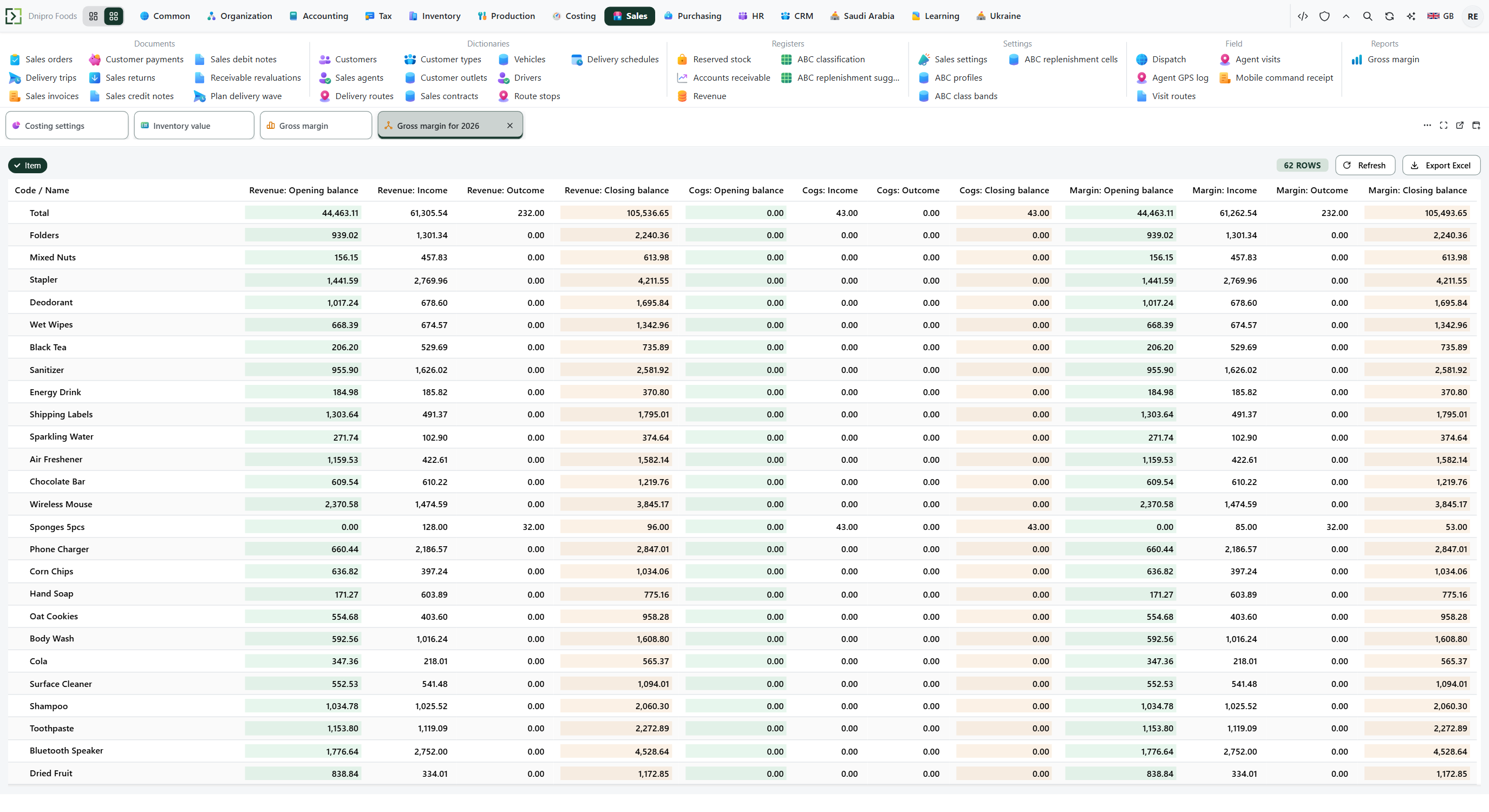 Gross margin: Revenue on a document beside the Cost that document wrote off, and Margin. The product is in English.
Revenue 1000 and Cost 400 on the same document and item is Margin 600. A write-off of 50 with no revenue on its document stays out of Margin.
Example
You receive 10 at 7 (value 70) and 10 at 9 (value 90). Stock is 20, value 160. Then you issue 15.
FIFO takes the older layer first: 10 × 7 + 5 × 9 = 115.
Before the issue After FIFO Qty 20 5 Value 160 45 Weighted average costs every unit at 160 / 20 = 8, then 15 × 8 = 120.
Before the issue After weighted average Qty 20 5 Value 160 40 The method is read when the issue is posted.
Tip
There is no LIFO. Standard cost price type on the same card is a target unit price, not the issue cost. The method is one row for the company — not per item or store.
If the command refuses#
| What you see | What to do |
|---|---|
| Closing Value is still the old number after Save | The saved method applies to the next issue. Post the issue again when the other number is required. |
| Inventory value has no rows | No receipt or issue has posted value in the period. Widen the period, or post the document. |
| A zero row is missing | Inventory value by item has Non-zero balance on. |
| Gross margin has no cost for a write-off | Margin includes a document that has Revenue. Breakage with no revenue stays on Inventory value. |
See also