Approve a purchase order
Updated
When Approval threshold is above zero, a purchase order whose total is above that number cannot be placed until someone presses Approve order.
Note
Approve order stores a sum in Approved amount. The order stays Draft. Place order is still required after that. Empty or zero Approval threshold turns approval off, and that is the default.
How to#
To approve a purchase order, open Ribbon → Purchasing → Documents → Purchase orders. Open a Draft whose lines total more than the threshold.
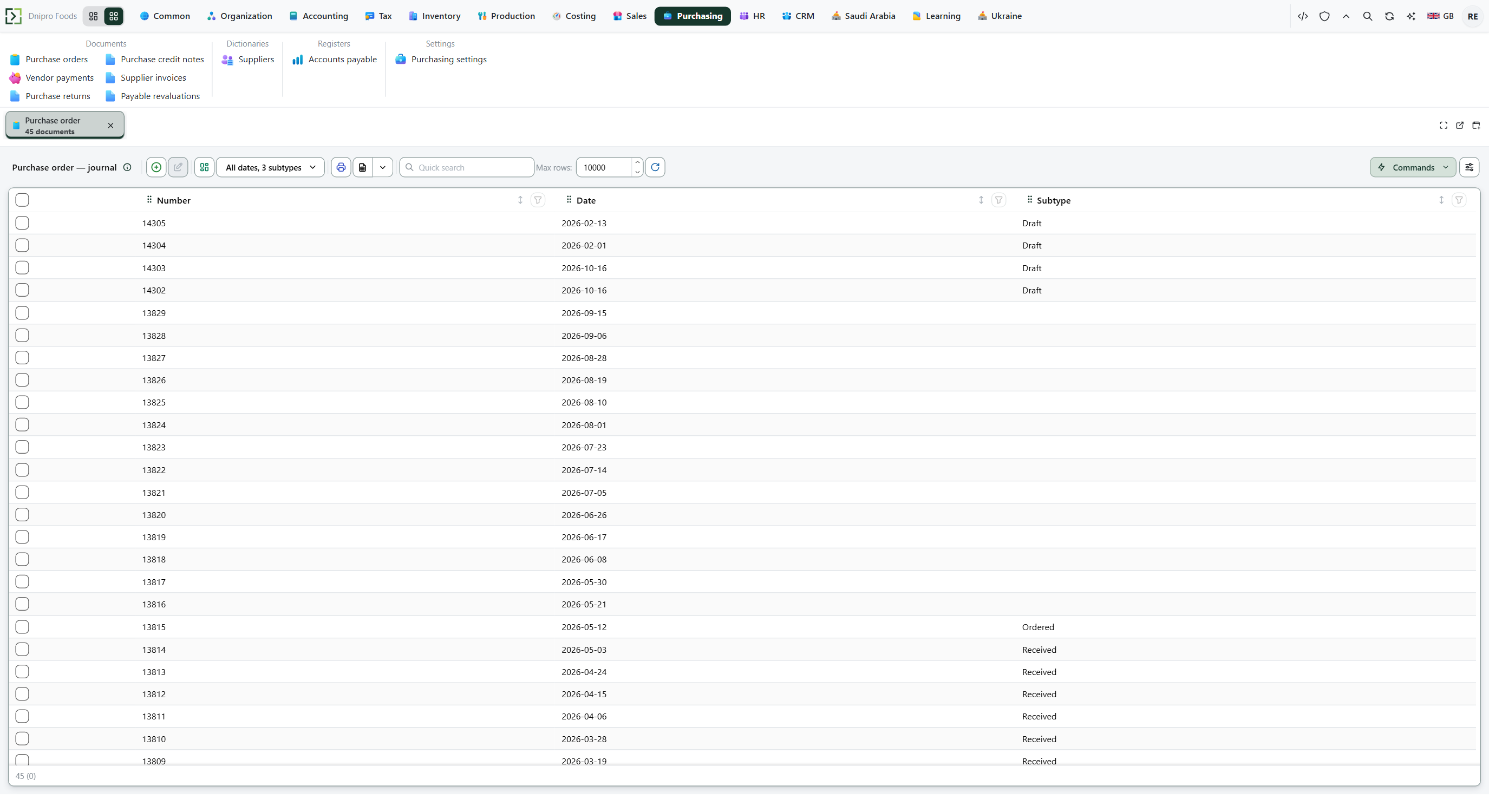 Purchase order list: supplier orders are separate from vendor payments and returns. The product is in English.
Press Approve order. Approved amount becomes the current total. The order stays Draft.
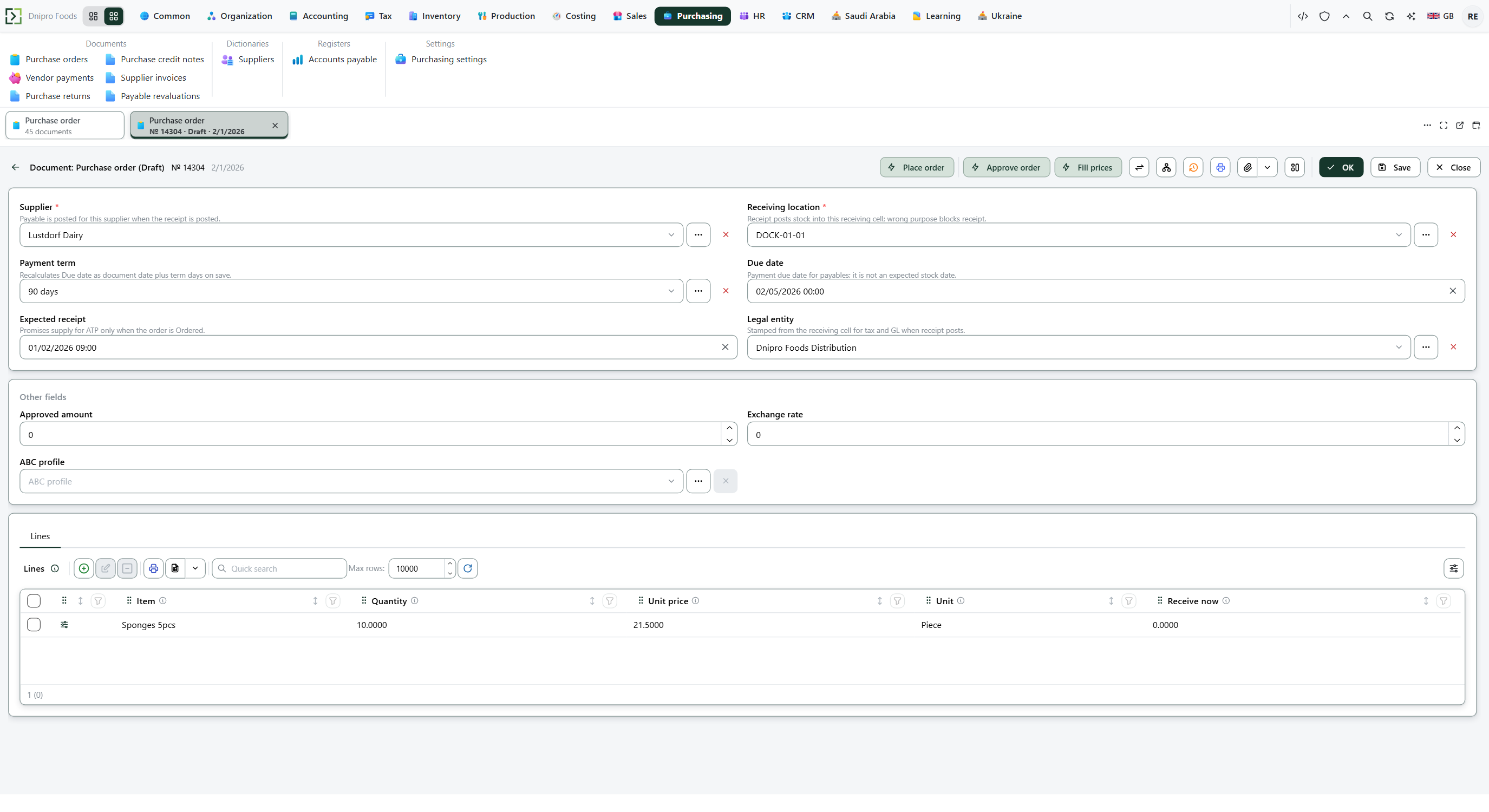 Filled draft: supplier, receiving location, and priced lines. Approve order is on Draft only. The product is in English.
Then press Place order. The order becomes Ordered. Stock and the supplier payable stay zero unless Auto-receive on order is on.
A total at or under the threshold does not need approval. Place order goes through.
If lines are added after approval so the total grows past Approved amount, Place order refuses again. Press Approve order once more, then Place order.
The state on the card does not approve the order. Only Approve order does. Until you press it, Approved amount stays empty, however many times you save.
Example
You have a draft of 10 pieces at 500. Total 5,000. Approval threshold is 1,000. Place order refuses: 5,000 is above 1,000.
Press Approve order. Approved amount becomes 5,000. Then Place order goes through. The order is Ordered.
Add another line of 90,000 after that. Total 95,000. Place order refuses again: the approval no longer covers the total. Approve once more, then Place order.
An order of 100 is under the threshold. Place order goes through with no approval.
Draft 10 × 500 After Approve order Add a 90,000 line Order of 100 Total 5,000 5,000 95,000 100 Approved amount empty 5,000 5,000 empty Place order refuses Ordered refuses Ordered
Tip
Fill Approval threshold with a number above zero in Purchasing → Settings → Purchasing settings. Approve order is on Draft only. After Place order there is nothing to approve. There is one approval. Who may press the button is a command right: until execute on Approve order is granted to a role, the button is open to everyone. The card has no second approver and no "approved by" field.
If the command refuses#
| What you see | What to do |
|---|---|
| Place order says the total is above the Approval threshold | Press Approve order, then Place order again. |
| Place order says the approval no longer covers the total | Lines changed after approval. Press Approve order again, then Place order. |
| Approve order says approval is off | Approval threshold is empty or zero. Fill a number above zero in Purchasing → Settings → Purchasing settings, or just press Place order. |
| Approve order says approval is not required | The total is at or under the threshold. Press Place order. |
| Approve order is not on the card | The order is not Draft. Approval is only before Place order. |
| Approve order is missing for your login | The command right is granted to another role. Ask for execute on Approve order, or have that role press it. |
See also