Post and pay social insurance
Updated
Post the fund liability, then pay it with a second document. Payroll usually creates the posted accrual for you.
Note
The accrual is not the payment. Do not look for a paid state on the accrual. Paying the fund is Ribbon → HR → Documents → Social insurance payments.
How to#
To post a contribution, open Ribbon → HR → Documents → Social insurance accruals. The list shows contribution documents, separate from payroll accruals.
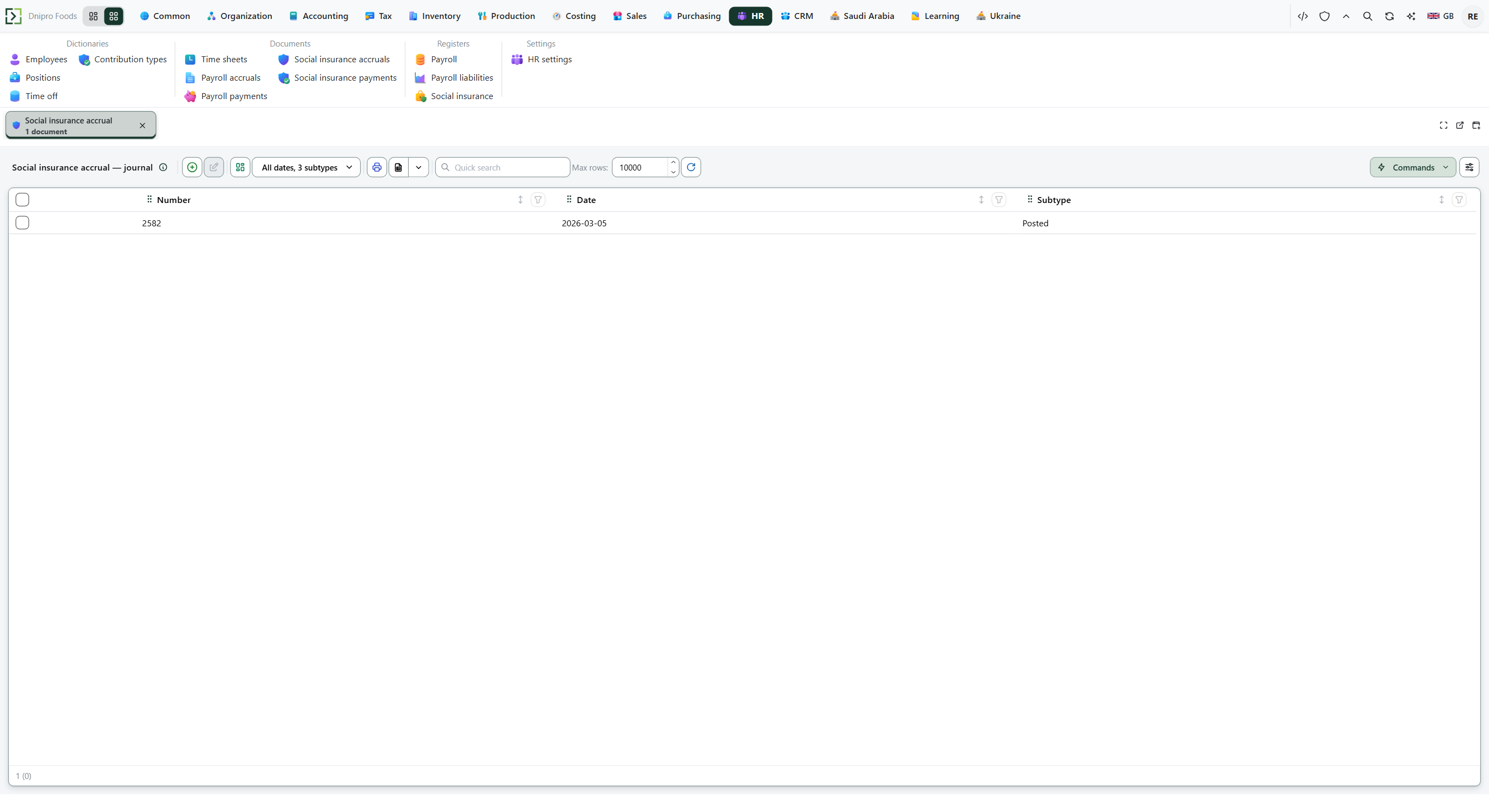 Social insurance accrual list. The product is in English.
When payroll already posted an accrual, skip to the payment. For a correction, press New. Fill Division. On Lines, add Employee, Contributory base, Employee contribution, and Employer contribution. Leave Contribution type empty for statutory social insurance. Pick a type for an extra contribution such as health insurance. One employee can have several lines, one per contribution. Save. The card receives a Number and stays Draft.
Then press Post social insurance. The state becomes Posted. The fund liability appears on Social insurance.
The state on the card does not post the document. Only Post social insurance does.
To pay the fund, open Ribbon → HR → Documents → Social insurance payments. Press New. Fill Division. On Lines, enter the same Employee, Employee contribution, and Employer contribution that you are paying. Set Contribution type on each line to the fund you are paying — a line pays only the contribution it names. Save. The card stays Draft.
Then press Pay social insurance. The state becomes Paid. The fund balance falls by those amounts. The employee payroll liability stays at the net already withheld.
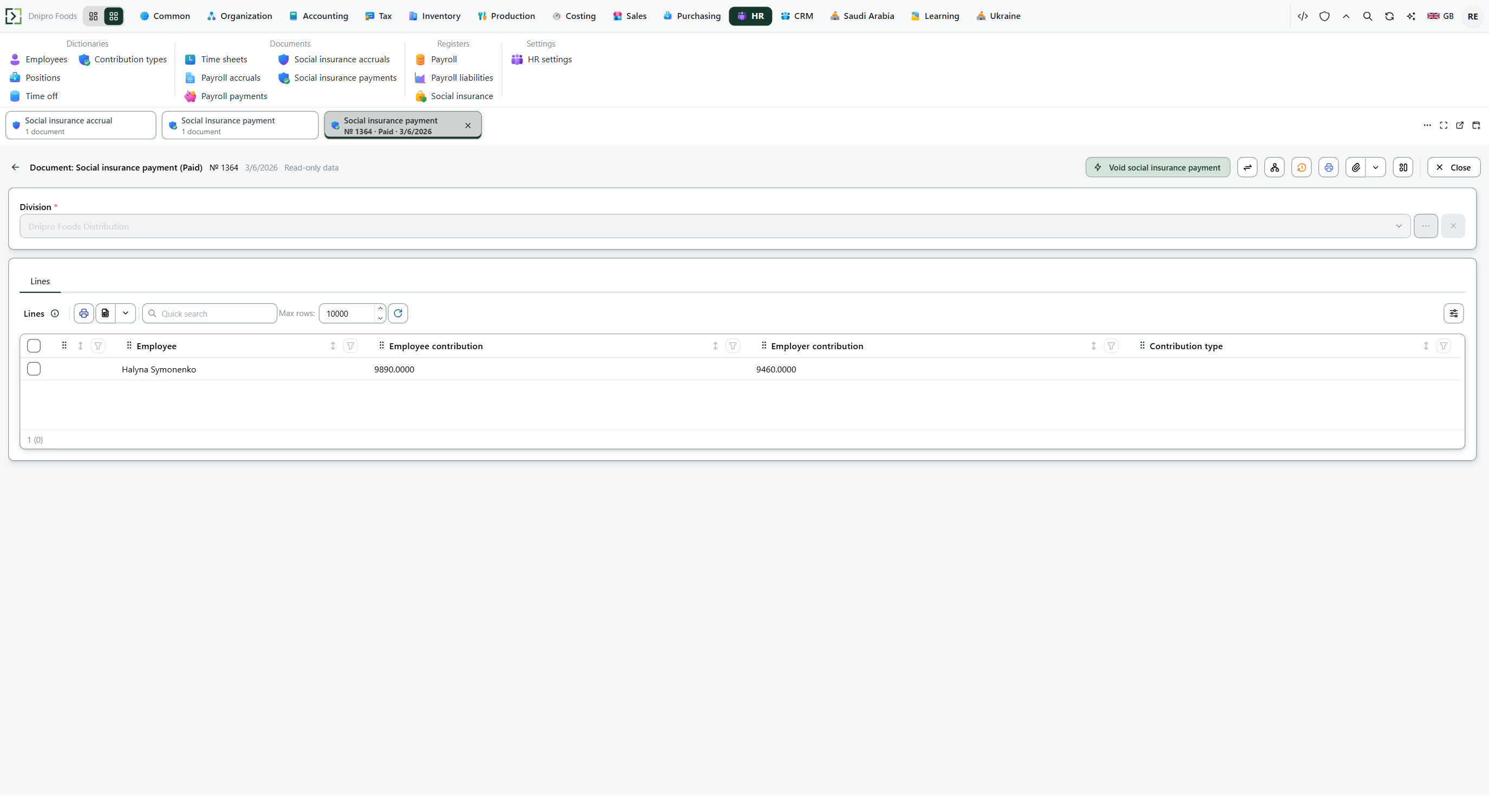 Paid social insurance payment 1364: Empiro Foods Distribution, Halyna Symonenko, employee contribution 9,890 and employer contribution 9,460. The product is in English.
The state on the card does not pay the fund. Only Pay social insurance does.
Open Ribbon → HR → Registers → Social insurance. Pick the layout Social insurance by employee and press Build. Closing values show what remains due.
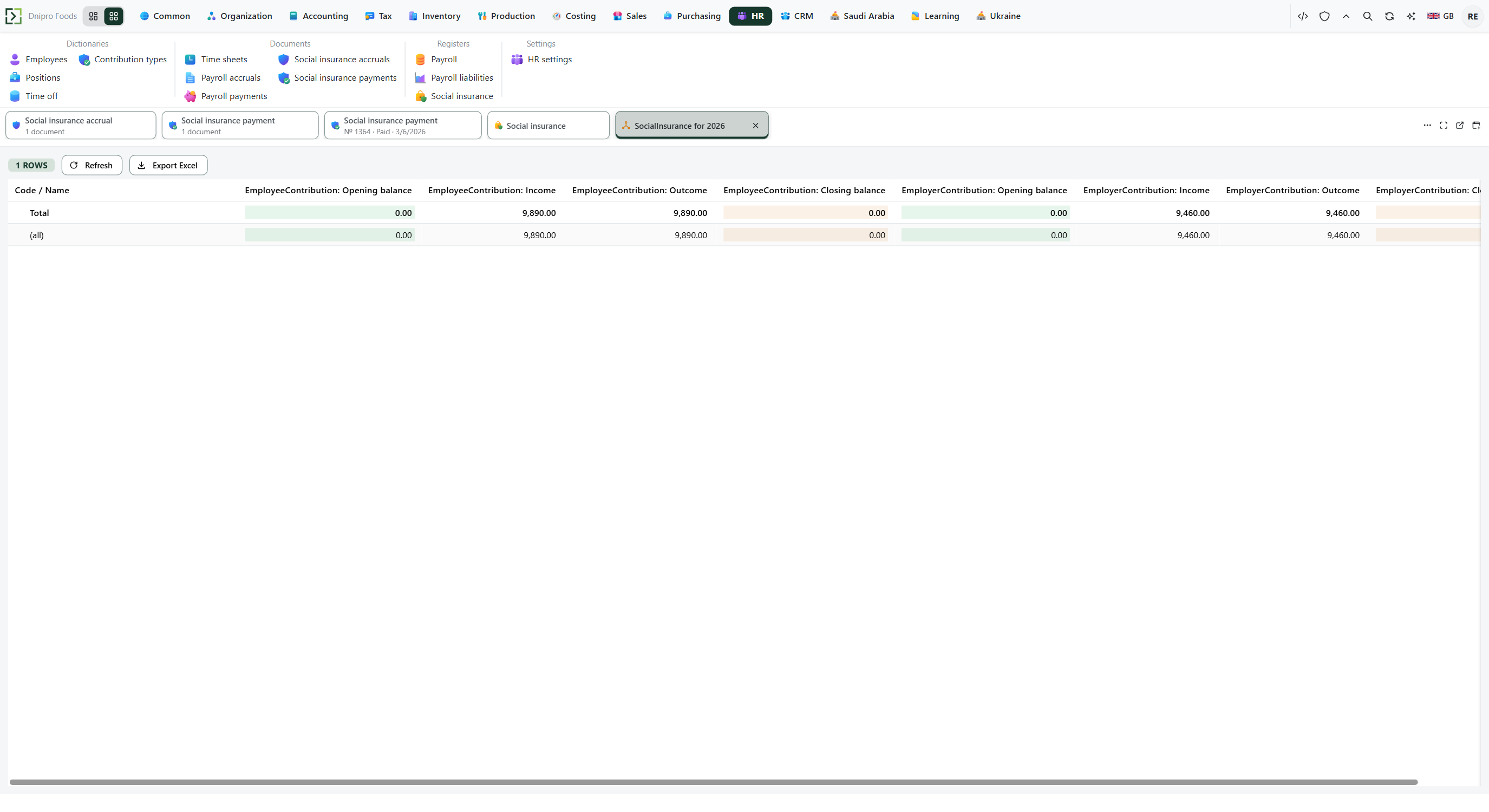 Social insurance for 2026: employee contribution 9,890 and employer contribution 9,460 close to 0 after the payment. The product is in English.
Example
Employee contribution is the rate × the contributory base: a 10,000 local gross × 0.0975 = 975, and the employer share is 10,000 × 0.1175 = 1,175.
This payment on the stand closes the accumulated fund for Halyna Symonenko:
- Division Empiro Foods Distribution
- Employee Halyna Symonenko
- Employee contribution 9,890
- Employer contribution 9,460
Save. After Pay social insurance, both shares on Social insurance close to 0.
Before the payment After Pay social insurance Employee contribution 9,890 0 Employer contribution 9,460 0
Tip
Statutory social insurance is the line whose Contribution type is empty. Extra types live in Ribbon → HR → Dictionaries → Contribution types — tick Active; a type that is not Active, or whose rates for this employee's nationality are both zero, adds no line. A health-insurance payment never closes statutory debt: the payment line must name the same type as the accrual. Empty social insurance payable, expense, and cash accounts still move the fund register and write no ledger entry.
If the command refuses#
| What you see | What to do |
|---|---|
| Post social insurance says the empty contribution accrual cannot be posted: add lines | Add at least one employee line. |
| The command says the line contributions do not match the service calculation | Match Employee contribution and Employer contribution to the rates, or let payroll create the accrual. |
| Pay social insurance says the empty document cannot be paid: add lines | Add a line on the payment. The card stays Draft. |
| The command says to fill the payment lines | Add a line before Pay social insurance. |
| The command says contribution shares cannot be negative | Enter 0 for a share you are not paying. |
| The command says the payment amount must be greater than zero | Put an Employee contribution or an Employer contribution above 0. |
| The register balance did not close | The payment uses another Employee, Division, or Contribution type. Use the same slice as the accrual. |
| An extra contribution was not accrued | Open Contribution types and check Active and the rate pair for this employee's nationality. |
| No ledger entry appears | Ask an analyst to fill the social insurance payable, expense, and cash accounts. The fund register still moves. |
See also
Same topic for other readers: Analyst