Connect M.E.Doc
Updated
Seat M.E.Doc on the accountant's PC so a released sales realization that charges VAT (ПДВ) can land in the M.E.Doc journal as a tax invoice. ZuloOne does not sign. The qualified electronic signature (КЕП) stays with the operator.
Note
There is no Send to M.E.Doc button on the sales realization. Releasing the sales realization creates the envelope. Ask the operator about this invoice asks for the receipt. It does not send the tax invoice again.
How to#
To connect the operator, open Ribbon → Tax → Settings → Authority connections.
Press New. Fill Legal entity. Put the M.E.Doc REST address in Base URL — http://127.0.0.1:63777, or whichever port the REST API actually listens on. Fill Agent tag with the same tag as the agent on that PC. Without the tag, the server refuses 127.0.0.1. Fill Credential reference with the M.E.Doc user name (the same login the operator takes). That user's password belongs in server configuration under that name, not on the card. Save.
Without the row the envelope is still created, but it never joins the queue. Operator secrets belong in server configuration, not in this dictionary. A bank token does not go here.
Open Ribbon → Administrator → Monitor → Agents. Download the installer. The service on the accountant's machine must be online, and its tag must match the card. Until the agent is up, the outbound queue will not reach M.E.Doc. M.E.Doc on that PC needs the integration licence.
To see that the envelope arrived without sending it to the State Tax Service (ДПС): open Ribbon → Administrator → Monitor → Jobs / Tasks and turn the tax-invoice receipt job off. Release an ordinary VAT-payer sales realization for this legal entity — a tiny one, with a real buyer EDRPOU code. Open Ribbon → Administrator → Mail → Outbound queue. The send for this tax invoice should become Succeeded. In M.E.Doc on the accountant's PC, a draft appears. External id on the tax document holds that draft's card code. That means the ZuloOne part is done.
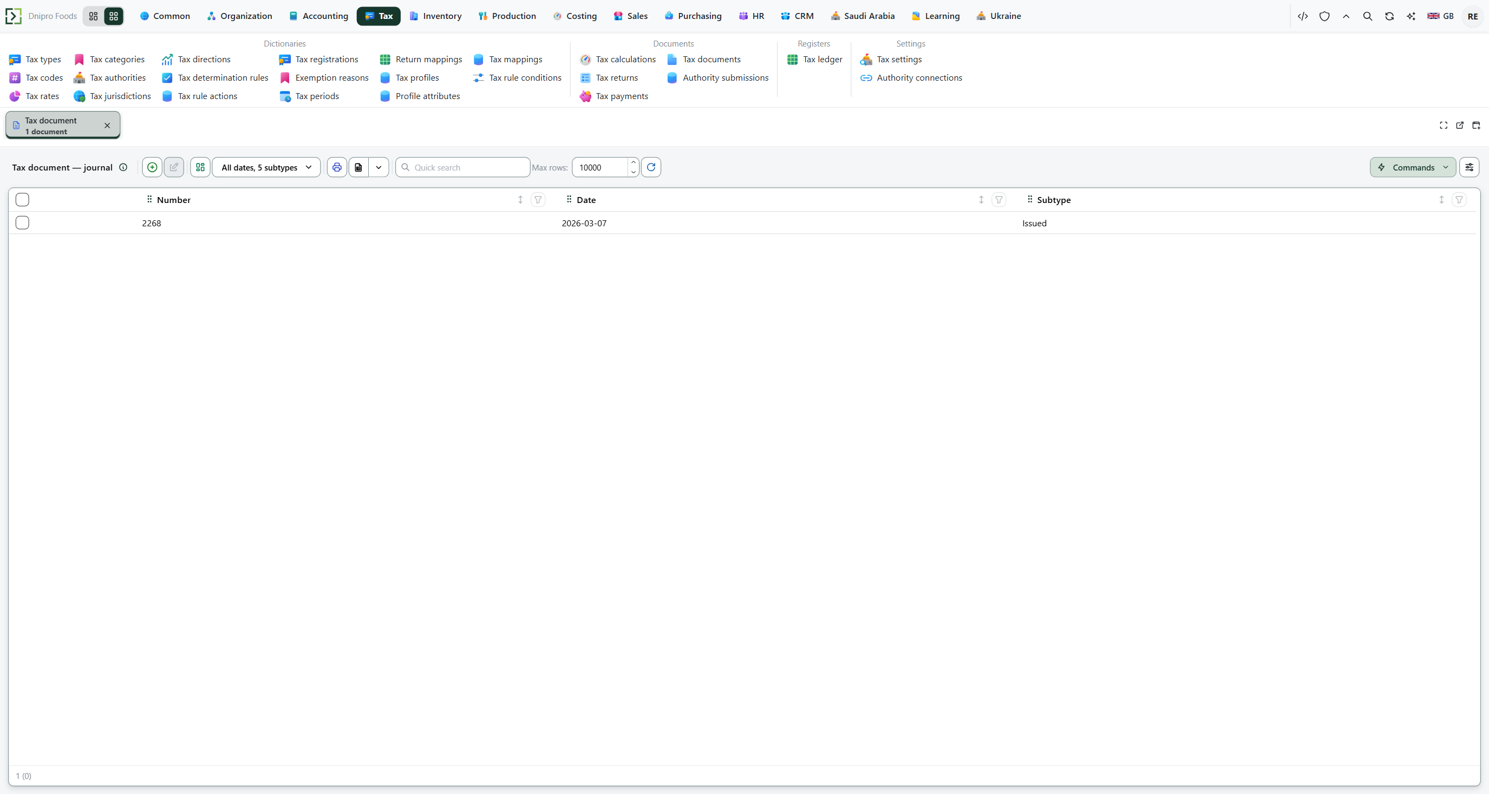 Tax documents list after a successful send: External id fills when M.E.Doc has the draft. The product is in English.
When you turn the job back on, that same envelope goes to the State Tax Service and M.E.Doc signs it with the signature key already on the PC. Do not leave the job enabled for a smoke check.
Example
- Base URL
http://127.0.0.1:63777- Agent tag matching the PC
- Credential reference the M.E.Doc login
After you release a ₴1,200 sales realization:
- Outbound queue Succeeded
- M.E.Doc has a draft
Ask the operator about this invoice is still not a second send.
Tip
The legal entity must be a VAT (ПДВ) payer — VAT payer (general system) or Simplified 3% with VAT. Ribbon → Ukraine → Settings → Ukraine settings must have E-invoice (tax invoice) enabled on and Tax invoice form code filled. Calls go out with no key when the password under Credential reference is missing. An M.E.Doc with authorization switched on then refuses them. Checking the envelope after that is Check a tax invoice.
If the command refuses#
| What you see | What to do |
|---|---|
| No tax document after Released | The e-invoice switch or form code is empty, or the legal entity does not charge VAT (ПДВ). Check Ukraine settings and release again. |
| Tax document stays Issued with empty External id | The operator has not received the draft. Check the agent on the accountant's PC, Base URL, Agent tag, and Credential reference. |
| External id is filled but state is still Issued | M.E.Doc has the draft, but the State Tax Service receipt has not been applied yet. Wait for the job or press Ask the operator about this invoice. |
| State becomes Rejected | The operator or the State Tax Service refused the envelope. Read Rejection reason, correct the source data, and create the legally required correction. |
See also
Same topic for other readers: Analyst