Reject an order
Updated
Send a submitted sales order back so the agent can fix the lines. The order becomes a draft again, and the reason stays on the card.
Note
Rejection writes nothing. The realization is not created yet. Approving the order is what creates that realization in Reserved.
How to#
To reject an order, open Ribbon → Sales → Documents → Sales orders.
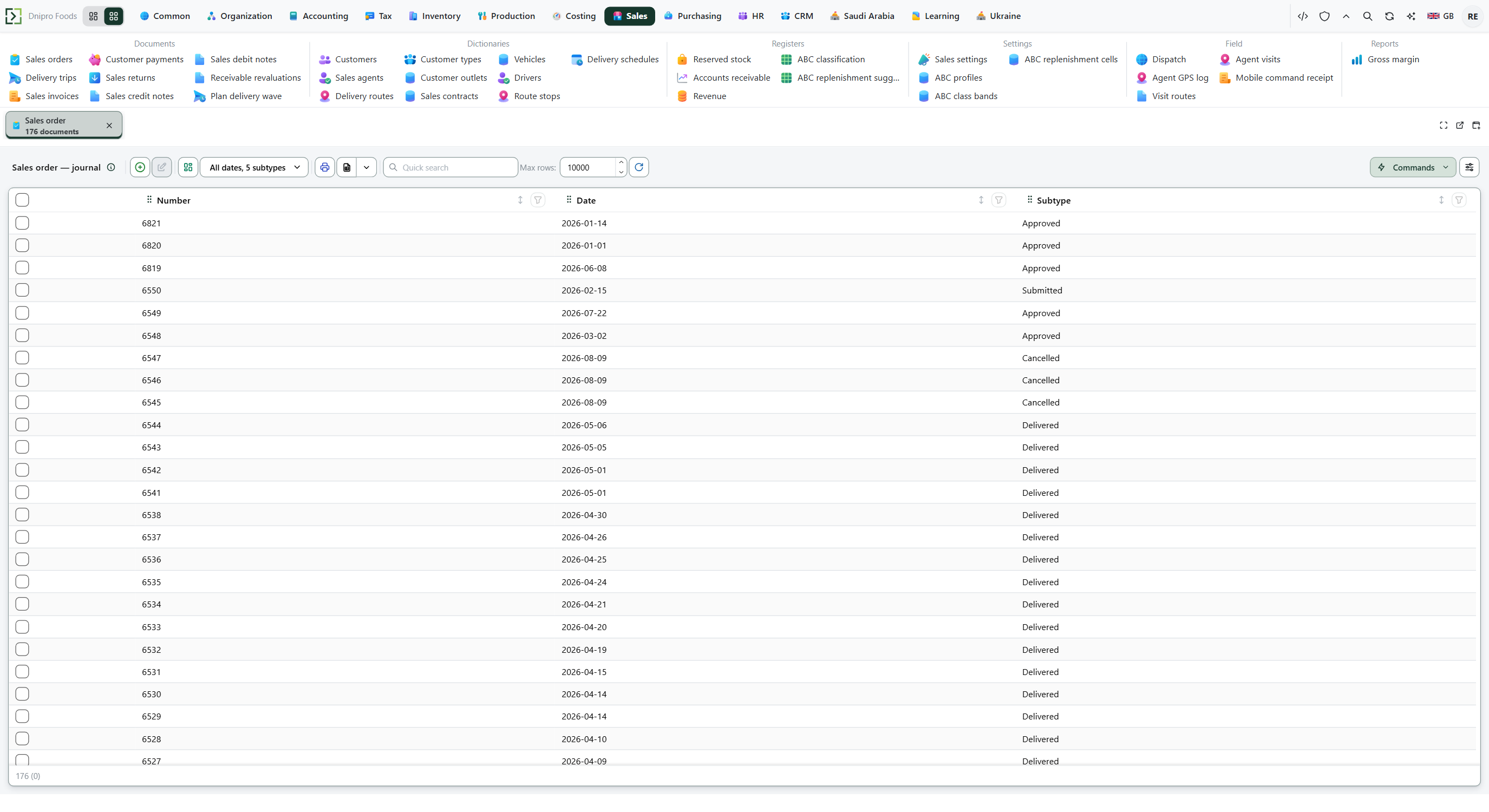 Sales order list. The product is in English.
Open an order in Submitted. Fill Reject reason, Save. Then press Reject order.
The order returns to Draft. The reason stays on the card.
The state on the card does not move the order. Only Reject order does. Until you press it, the order stays Submitted, however many times you save.
Example
The order is 5 pieces at price 100, already Submitted. Reject it so the agent can fix the lines. 5 × 100 is not debt yet — rejection writes nothing.
After Reject order: the order is Draft again. The 5 pieces are not reserved. Reject reason stays on the card.
Before After Reject order State Submitted Draft Pieces reserved none none Reject reason on the card still on the card
Tip
Reject order is not on the card while the order is still a draft. Press Submit order first. Cancel order is a different button: it closes Submitted or Approved as Cancelled, and the order can no longer be edited. On the manager's phone, the same button sits on Orders: fill Reject reason on the card and press Reject order. An empty reason is refused there too.
If the command refuses#
| What you see | What to do |
|---|---|
| Reject order is not on the card | The order is not Submitted. Press Submit order, or use Cancel order for an approved order. |
| The command asks for the reject reason | Fill Reject reason and press Reject order again. |
| The order is already Cancelled | Cancellation is final for this order. Create a new order if the customer still wants the goods. |
See also
Same topic for other readers: Analyst