Check a tax invoice
Updated
After you release a sales realization that charges VAT (ПДВ), open the tax document and read whether the Unified Register of Tax Invoices (ЄРПН) has registered it.
Note
ZuloOne does not sign the tax invoice. There is no send button on this card. The country package creates the envelope when you release the sales realization. A qualified electronic signature (КЕП) stays with the operator. Issued is not registration.
How to#
Release the sales realization first. Open Ribbon → Sales → Documents → Sales realizations. Use the button on that card until the state is Released. The state on the sales realization does not create the envelope. Only Release realization or Issue realization does.
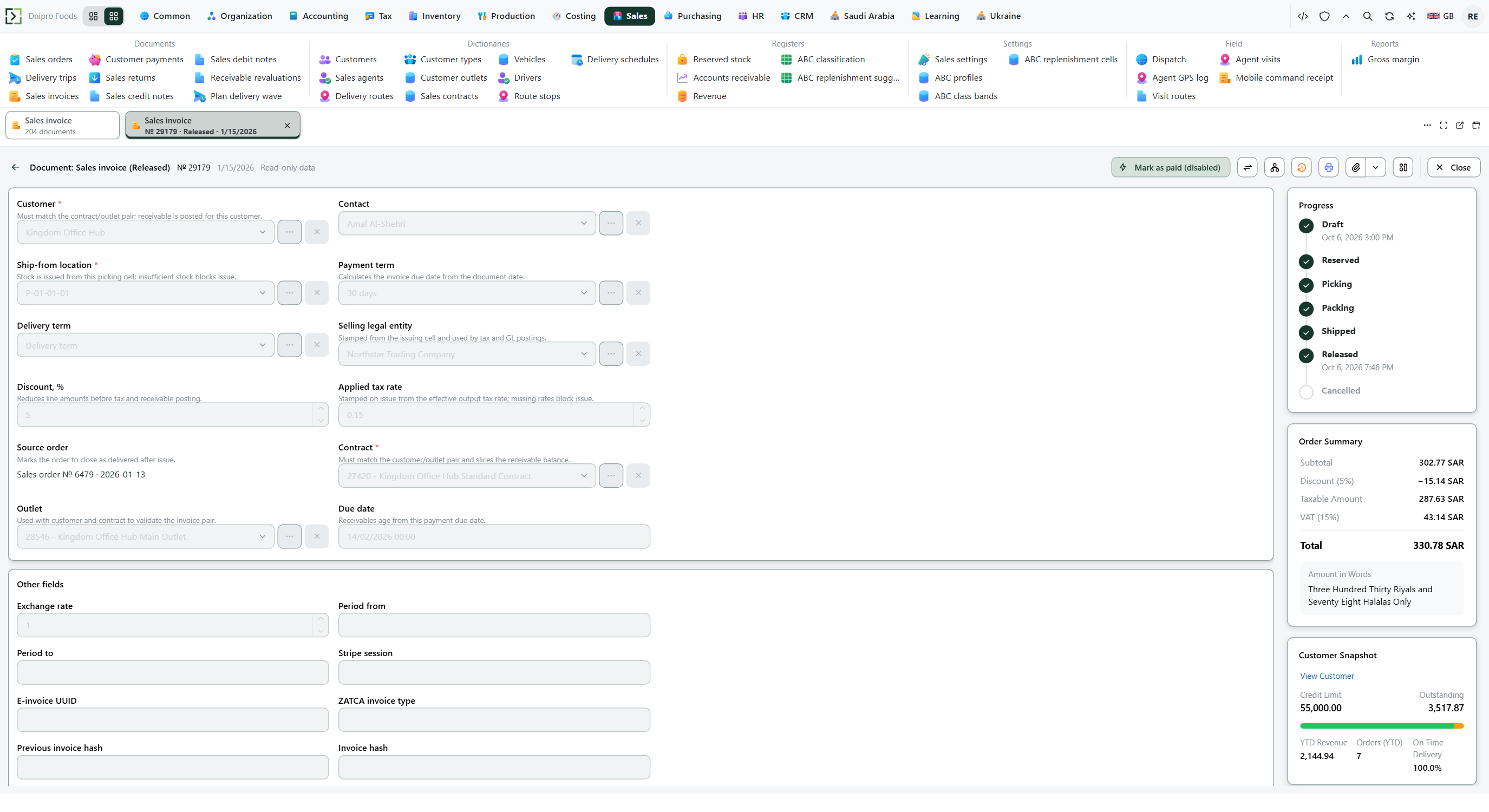 Released sales realization. The product is in English.
To check the envelope, open Ribbon → Tax → Documents → Tax documents. The list is the envelopes. Do not press New here.
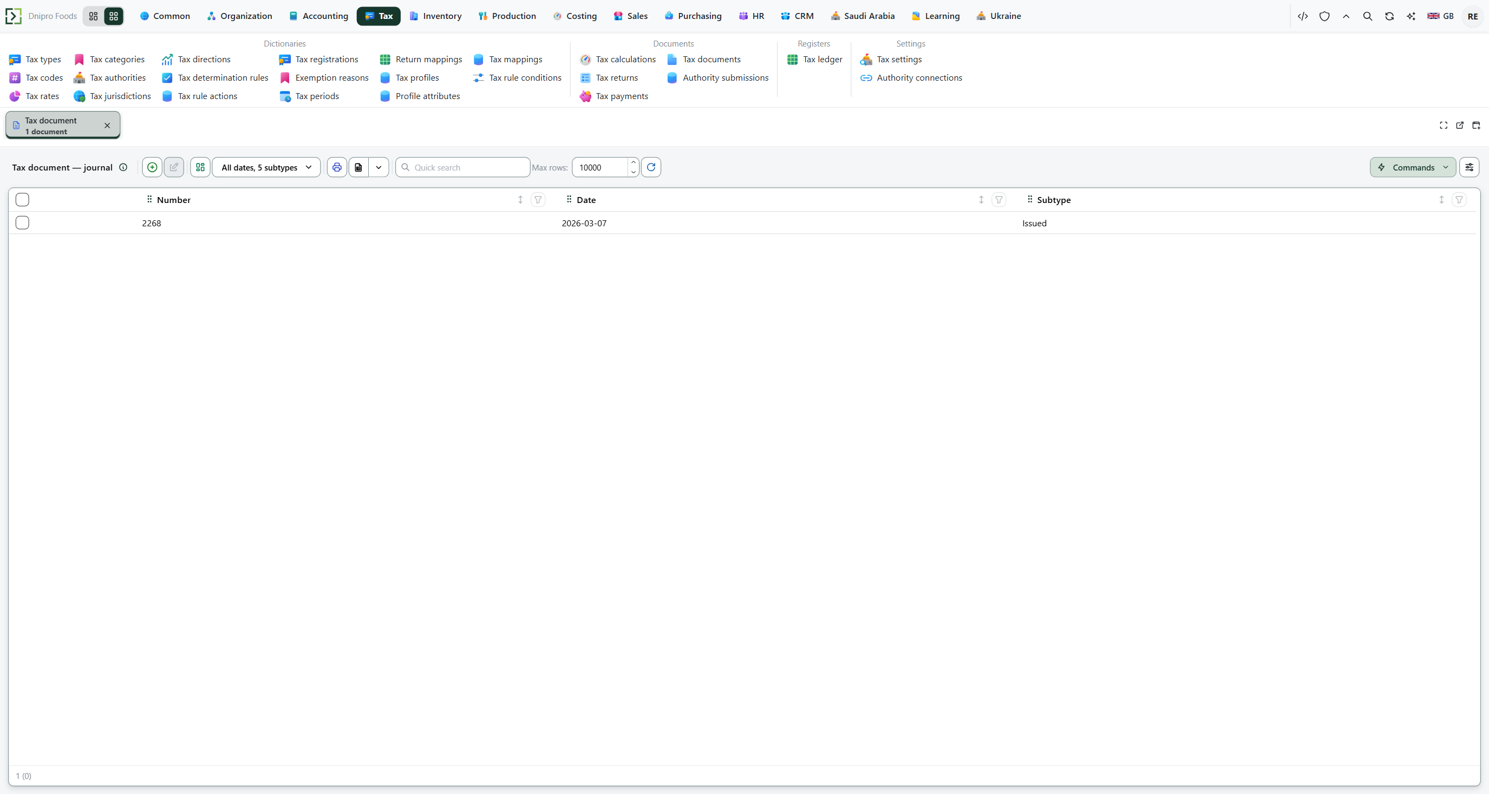 Tax documents list: each row is an envelope for a tax invoice. The product is in English.
Search by Source or External id if you know it. Open the row for this tax invoice.
Read the state in the header.
| State | Meaning |
|---|---|
| Issued | The envelope is assembled. The State Tax Service (ДПС) has not registered it yet. |
| Cleared | The receipt says registered. |
| Rejected | The operator or the State Tax Service refused it. |
Check Kind, External id, Payload, and Rejection reason. When the operator has the draft, External id holds that draft's card code. That is still not registration.
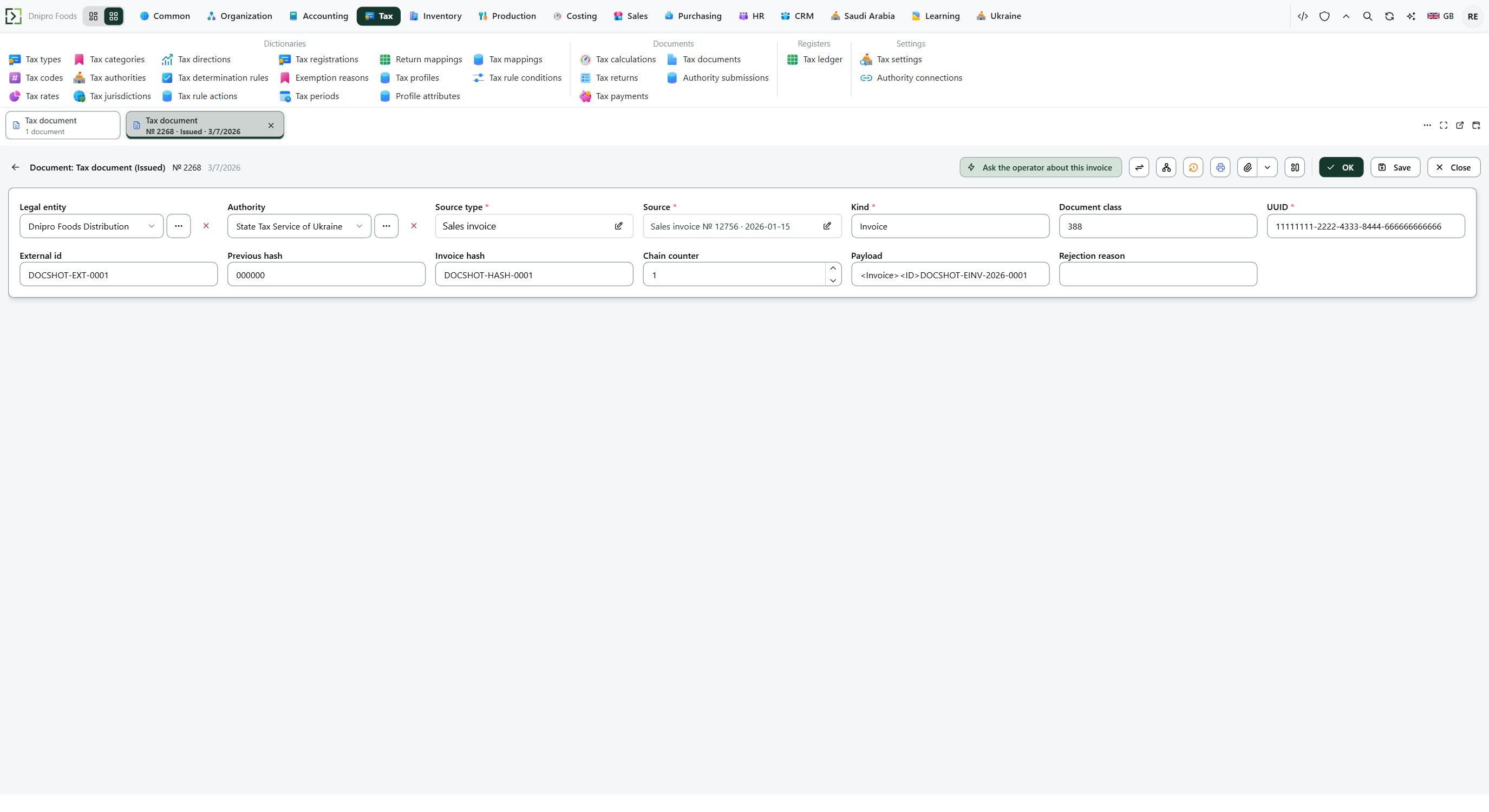 Tax document: the status and technical fields are on this card, not on a send button. The product is in English.
A credit note against that sales realization creates a separate envelope. Open Ribbon → Sales → Documents → Sales credit notes, fill Original invoice, Save, and press Post sales credit note. Without Original invoice, no adjustment envelope appears.
If the state stays Issued, press Ask the operator about this invoice. That button asks for the receipt again. It does not send the tax invoice a second time. The state on the tax document does not register it. Wait, then refresh the list: Cleared or Rejected appears when the receipt arrives.
Example
A customer prepays ₴1,200 at 20% VAT (ПДВ). Paid is gross, so the base is 1,200 / 1.20 = 1,000 and VAT is 200. The payment itself has no tax document. The sales realization of net 1,000 plus VAT 200 creates one envelope.
Step What you see Payment no tax document Sales realization one tax document in Issued Operator has the draft External id fills State Tax Service receipt Cleared
Tip
To turn the envelope on, open Ribbon → Ukraine → Settings → Ukraine settings. Turn E-invoice (tax invoice) enabled on. Fill Tax invoice form code —
J1201010for a legal entity orF1201010for a sole proprietor. Empty means no tax invoices are created. Fill Tax invoice adjustment form code —J12012010/F12012010— or a credit note produces no envelope. The paying legal entity must carry a tax number and Tax regime (Ukraine) of VAT payer (general system) or Simplified 3% with VAT. A legal entity on Simplified 5% without VAT does not issue a tax invoice. Seating M.E.Doc on the accountant's PC is Connect M.E.Doc.
If the command refuses#
| What you see | What to do |
|---|---|
| No tax document after Released | The e-invoice switch or Tax invoice form code is empty, the legal entity is not a VAT (ПДВ) payer, or you have not released the sales realization. Check Ukraine settings and the Tax regime (Ukraine) on the legal entity, then release again. |
| The state stays Issued and External id is empty | The operator does not have the draft yet. Check Ribbon → Tax → Settings → Authority connections for this legal entity. Do not press a send button: there is none. |
| The state stays Issued and External id is filled | The draft is with the operator. The receipt has not arrived. Wait, then press Ask the operator about this invoice. |
| The command says the operator has no reply yet | The envelope stays Issued. Wait and ask again. |
| The state is Rejected | Open Rejection reason. Fix the source sales realization or credit note. Do not edit the envelope. |
| The card has no send button | That button is not on this card. Correct the source document, or wait for a new envelope after you post a correction. |
| Ask the operator about this invoice is not on the card | The envelope is not Issued, or there is nothing to ask about yet. |
See also