Fill a timesheet
Updated
Fill the week's hours and approve the time sheet. Payroll reads those hours later. Approving does not post pay.
Note
The time sheet stores hours. It writes no payroll and no fund liability. Accrue payroll is a later button on an Approved card — Run payroll.
How to#
To fill a timesheet, open Ribbon → HR → Documents → Time sheets.
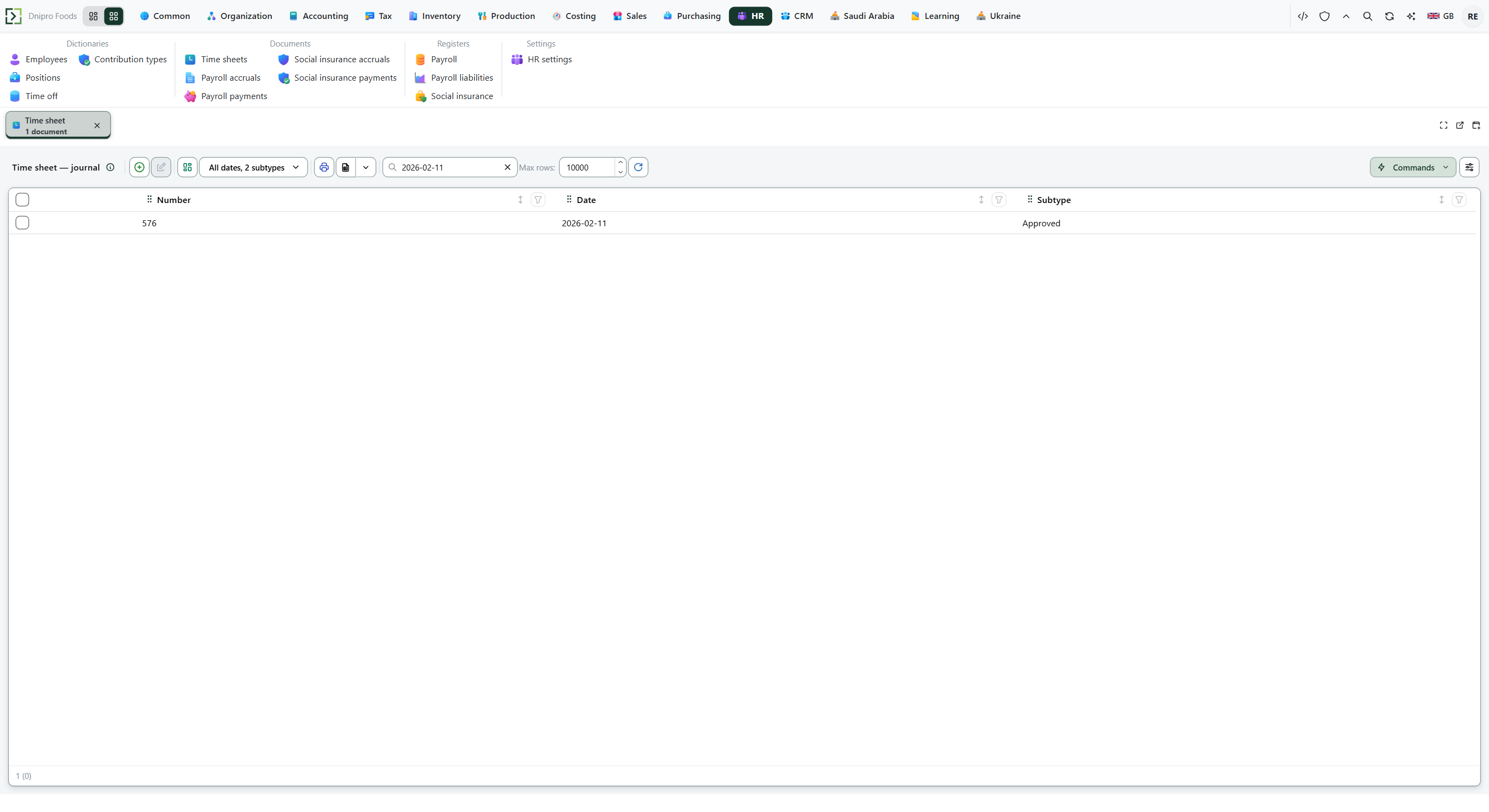 Time sheet list: number 576, date 2026-02-11, state Approved. The product is in English.
Press New. The card opens in Draft. Fill Division, Period from, and Period to. Save. The card receives a Number and stays Draft. Hours stay as they are.
If someone is away, open Ribbon → HR → Dictionaries → Time off first. Overlapping windows for one person are refused. Then return to the time sheet.
Press Fill standard week. Days gets one row per employee and weekday. Saturday and Sunday are not filled. A day before Hire date is skipped. A Time off day has Hours 0. A day marked Manual is kept. Lines shows the hours by employee. The command reports how many days it added. The card stays Draft.
Then press Approve timesheet. The state becomes Approved. Pay stays as it is.
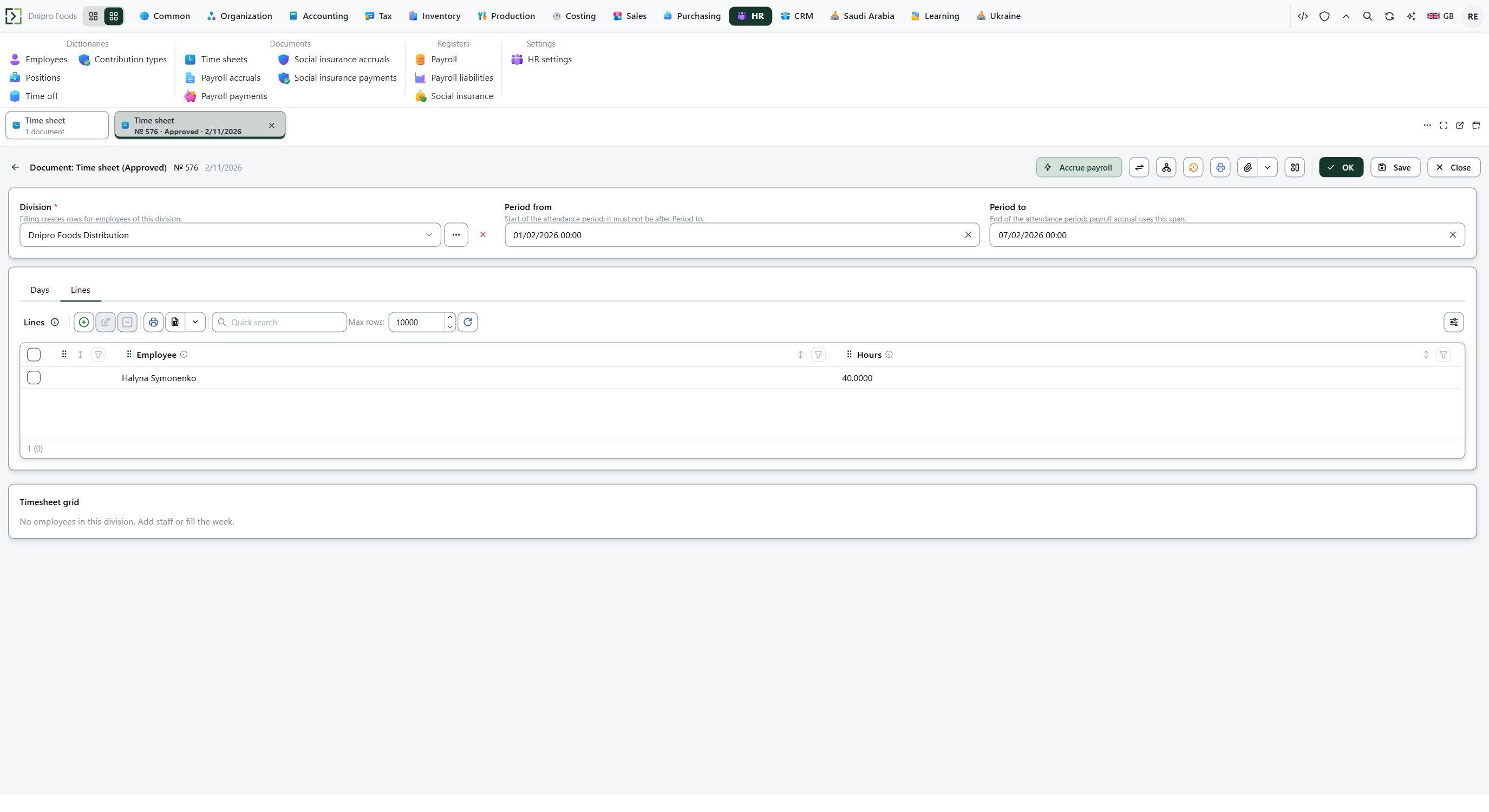 Approved time sheet 576: division Empiro Foods Distribution, period 01/02/2026 to 07/02/2026, and 40 hours for Halyna Symonenko on Lines. Accrue payroll is already on the card; this page stops here. The product is in English.
The state on the card does not approve the sheet. Only Approve timesheet does.
Example
- Division Empiro Foods Distribution
- Period from 1 Feb 2026
- Period to 7 Feb 2026
Save. Fill standard week writes five weekdays for Halyna Symonenko. With 8 hours a day and no time off, 5 × 8 = 40 hours on Lines. Approve timesheet leaves the card Approved and still posts no pay.
Tip
Fill standard week uses Work hours per week from HR → Settings → HR settings, otherwise Work hours per day, otherwise 8 hours on each weekday. Tick Manual on a day you typed yourself so a later fill does not overwrite it.
If the command refuses#
| What you see | What to do |
|---|---|
| The command says to specify the division | Fill Division, Save, then Fill standard week. |
| The command says to specify the timesheet period | Fill Period from and Period to. |
| The command says the period start cannot be after the period end | Put Period from on or before Period to. |
| The command says there is nothing to fill: no employees in the division, or every day is already manual | Put employees on this Division, or clear a Manual day you want rebuilt. The card stays Draft. |
| The command says an empty timesheet cannot be approved: add lines | Fill standard week, or add a line on Lines, then Save. |
| The save on Time off says to pick an absence kind: vacation, sick leave, or absence | On Time off, pick Vacation, Sick, or Absence. Kind cannot be Work. |
| The save on Time off says to specify the employee | Fill Employee on the time-off card. |
| The save on Time off says the start date cannot be after the end date | Put From on or before To. |
| The save on Time off says the employee already has time off on those dates | Change the dates, or edit the window that already exists. |
| Approve timesheet is not on the card | The sheet is not Draft. Open a new time sheet, or stay on Approved and continue on Run payroll. |
See also
Same topic for other readers: Analyst