Receive on Place order
Updated
Use this when ordering and receiving are always one action. Place order then receives the goods in the same click.
Note
With Auto-receive on order off, Place order only places the order. With the flag on, Place order still writes stock and the supplier payable only when the order becomes Received. A payment is a separate document.
How to#
To receive when you place the order, open Ribbon → Purchasing → Documents → Purchase orders.
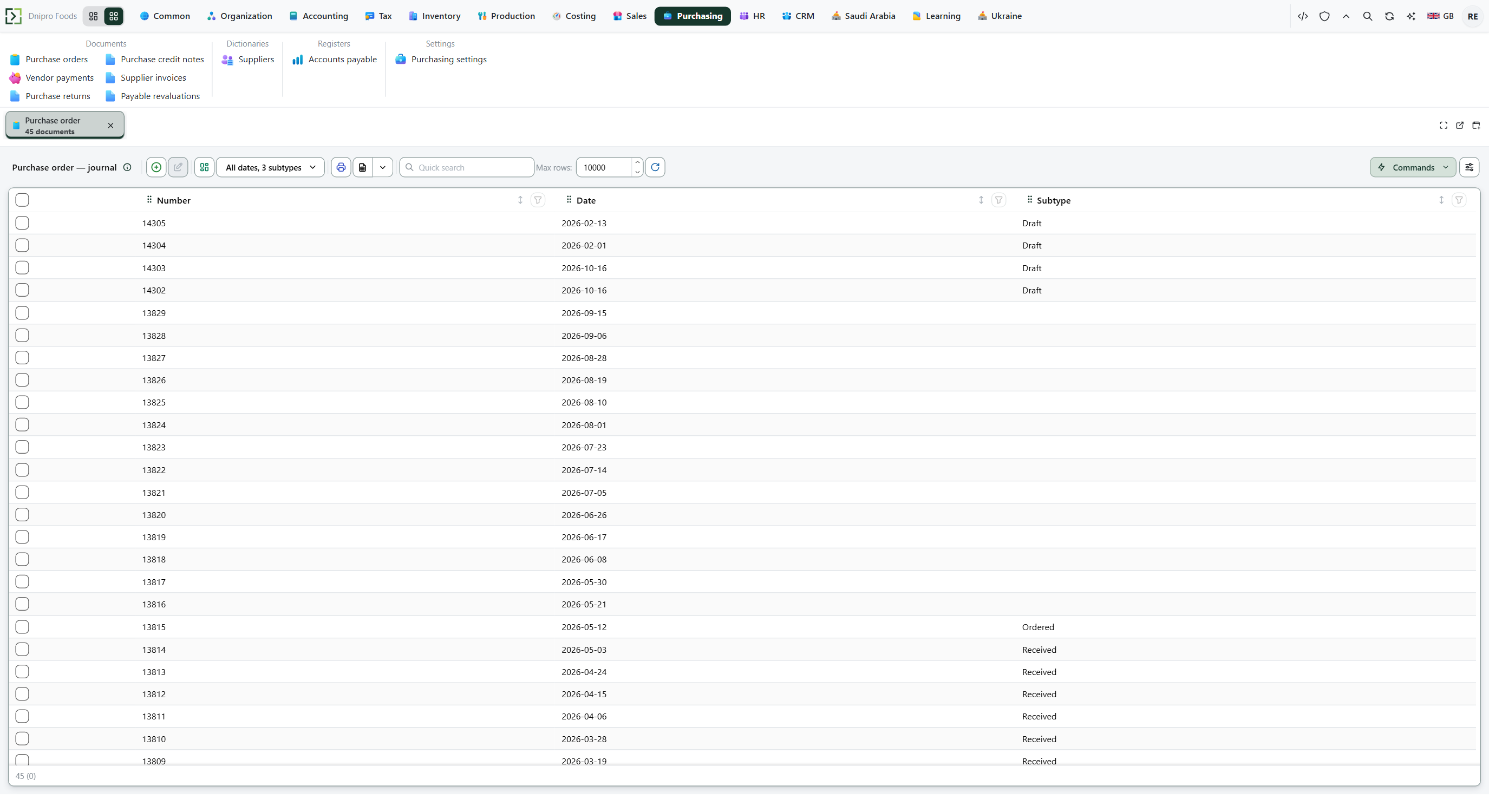 Purchase order list: supplier orders are separate from vendor payments and returns. The product is in English.
Press New. Pick Supplier and Receiving location, fill Lines, Save. The card receives a Number and stays Draft.
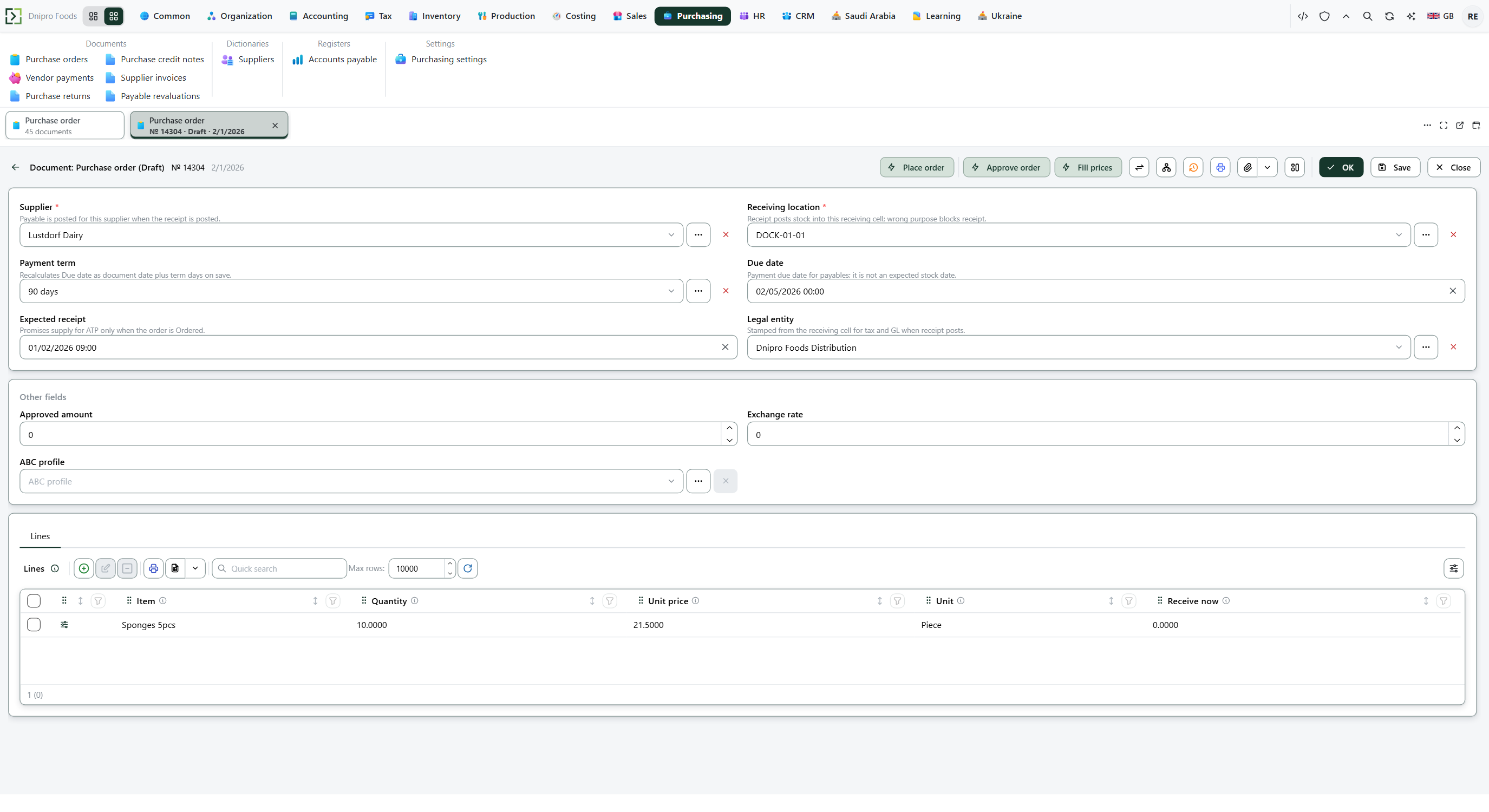 Filled draft: supplier, receiving location, and priced lines, ready for Place order. The product is in English.
Leave Receive now empty or zero on every line to take the whole order. A positive Receive now still receives only that quantity and leaves the rest on a new Ordered order, including with this flag on. Then press Place order.
The receipt is checked while the order is still Draft. When the check passes, the order is saved as Ordered, then posted as Received. The receiving cell holds the quantity, and the supplier payable is the line amount.
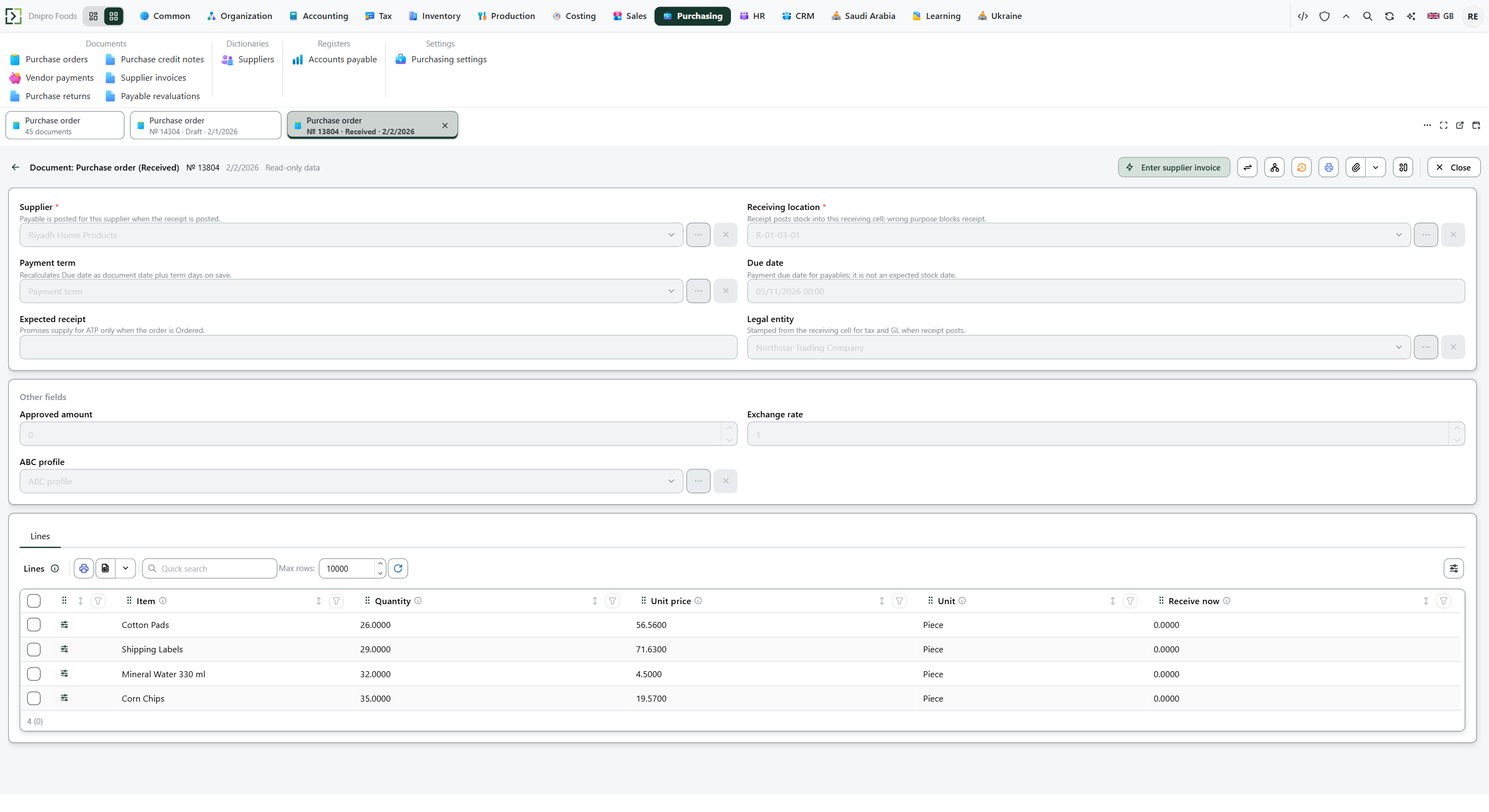 Received purchase order: Place order posted stock and the supplier payable in one click. The product is in English.
The state on the card does not move the order. Only Place order does. Until you press it, the order stays Draft, however many times you save.
Example
You order 4 pieces at 3. Goods 12. Auto-receive on order is on.
Press Place order. There is no second Receive order click. The cell is up 4. You owe 12. The order is Received.
Draft After Place order Pieces in the cell 0 4 Goods 0 12 You owe 0 12 State Draft Received
Tip
Turn Auto-receive on order on in Purchasing → Settings → Purchasing settings, then Save. Turning the flag on does not receive orders that are already Ordered. Press Receive order on those. The supplier's paper is entered afterwards as a supplier invoice.
If the command refuses#
| What you see | What to do |
|---|---|
| The command says the document is empty | Add a line. |
| The command says the quantity must be greater than zero | Enter a positive Quantity on every line. |
| The command says the cell is not a receiving cell | Warehouse discipline is on. Choose a receiving cell for Receiving location. |
| The command says there is no tax rate on the receipt date | Add a rate that covers the document date. |
| A line VAT rate has no rate in force on {date}: the receipt is not posted. | Add a rate for that VAT rate that covers the document date. |
| The command says Receive now is greater than the line quantity | Lower Receive now, or leave every line at zero to receive the whole order. If Place order already left the order Ordered, fix the field and press Receive order. |
| Place order says the total is above the Approval threshold | Press Approve order, then Place order again. |
| The order stays Draft after Place order | The receipt check failed. Fix the cell or the tax rate, then press Place order again. Stock and the payable stay unchanged. |
See also